
Blitzit 3.0 beta is now available for early preview. Learn how to migrate from Blitzit 2.x →

Things 3 vs Blitzit

Things 3 is beautiful for organising tasks. Blitzit helps you execute with focus.

Things 3 excels at being a beautifully designed task manager for Apple devices. It offers elegant organisation, quick capture, and a refined experience that Apple users love.

But once you’ve organised everything, you still need to do the work.

That’s where Blitzit comes in.

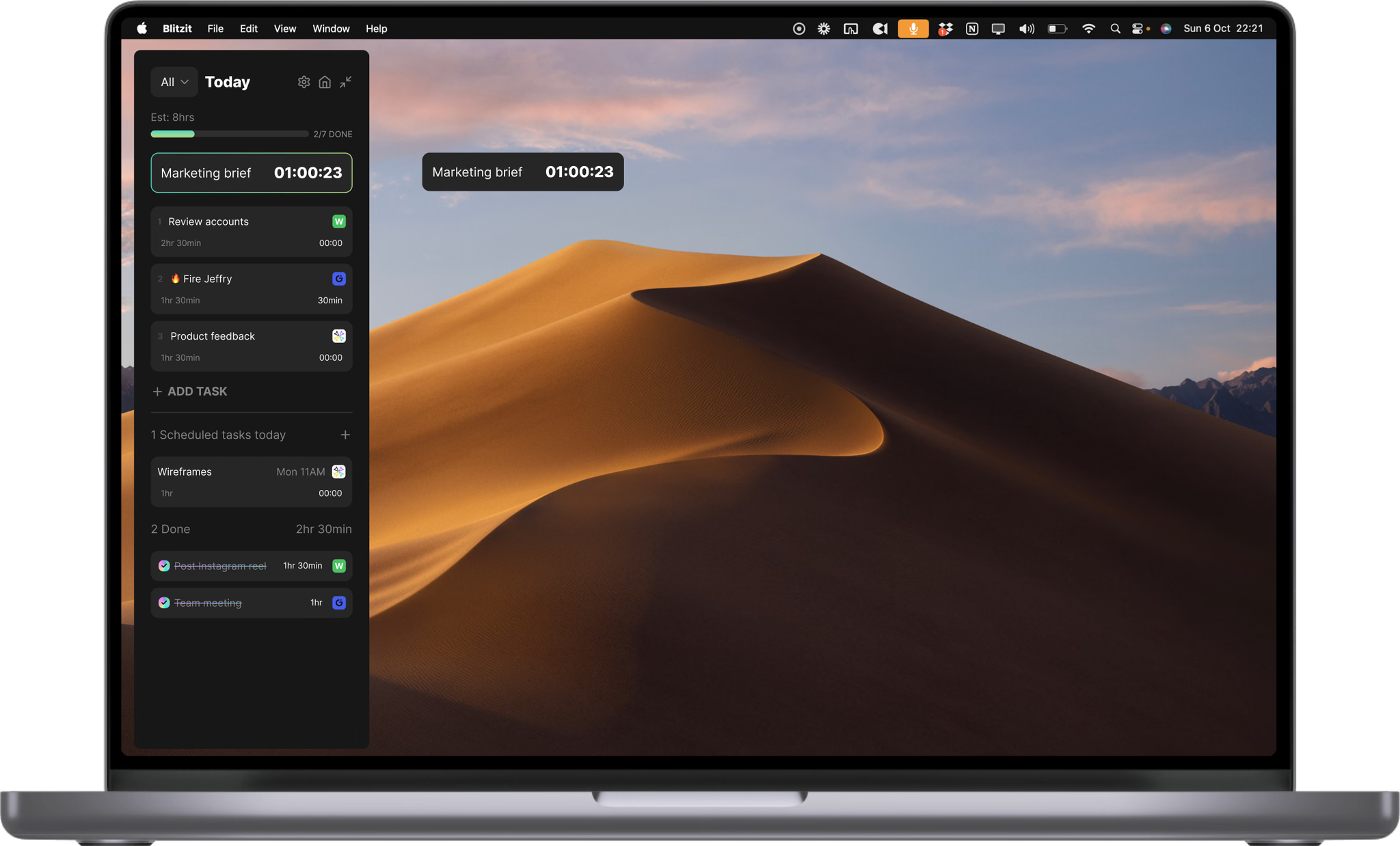
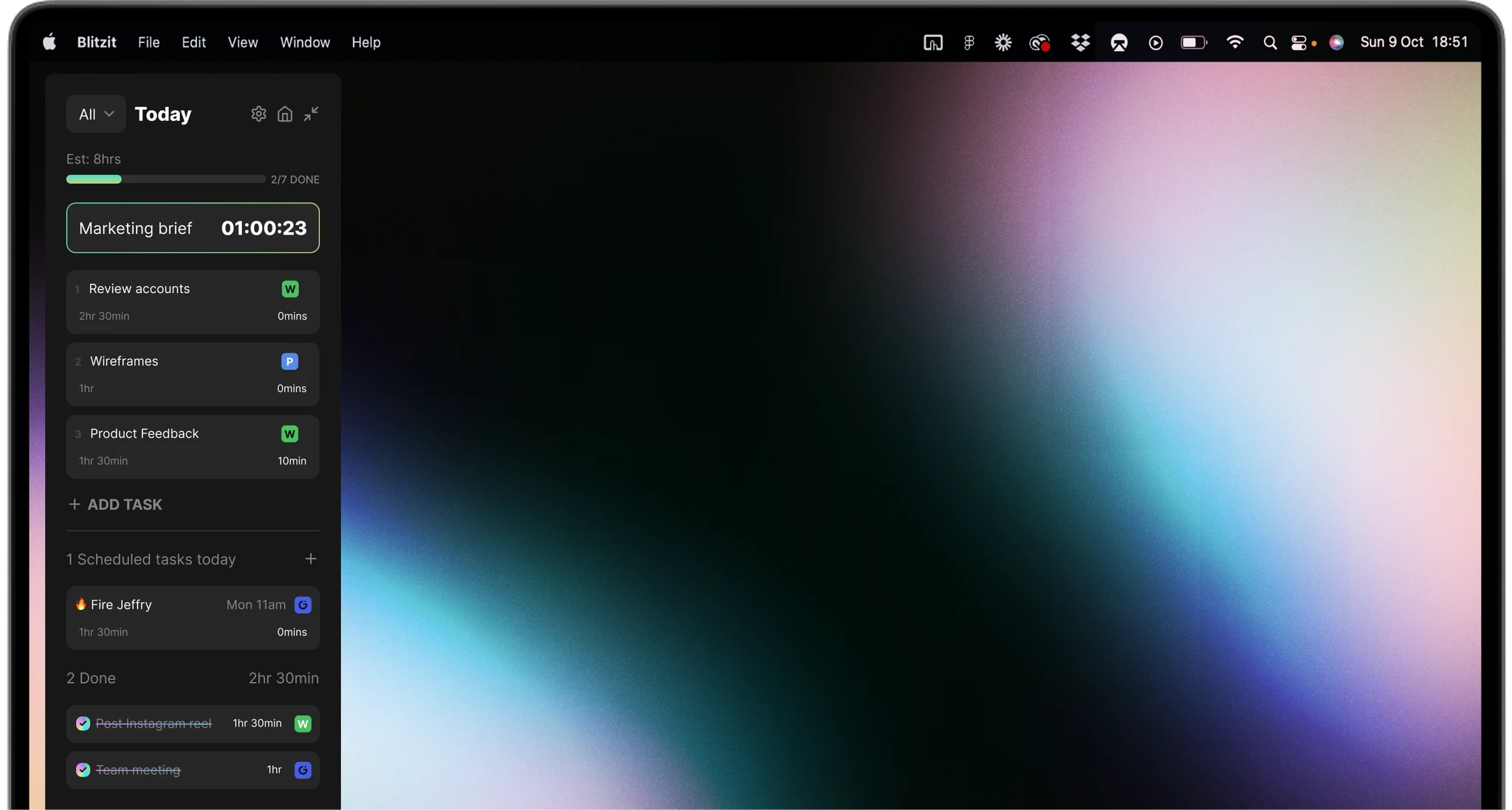
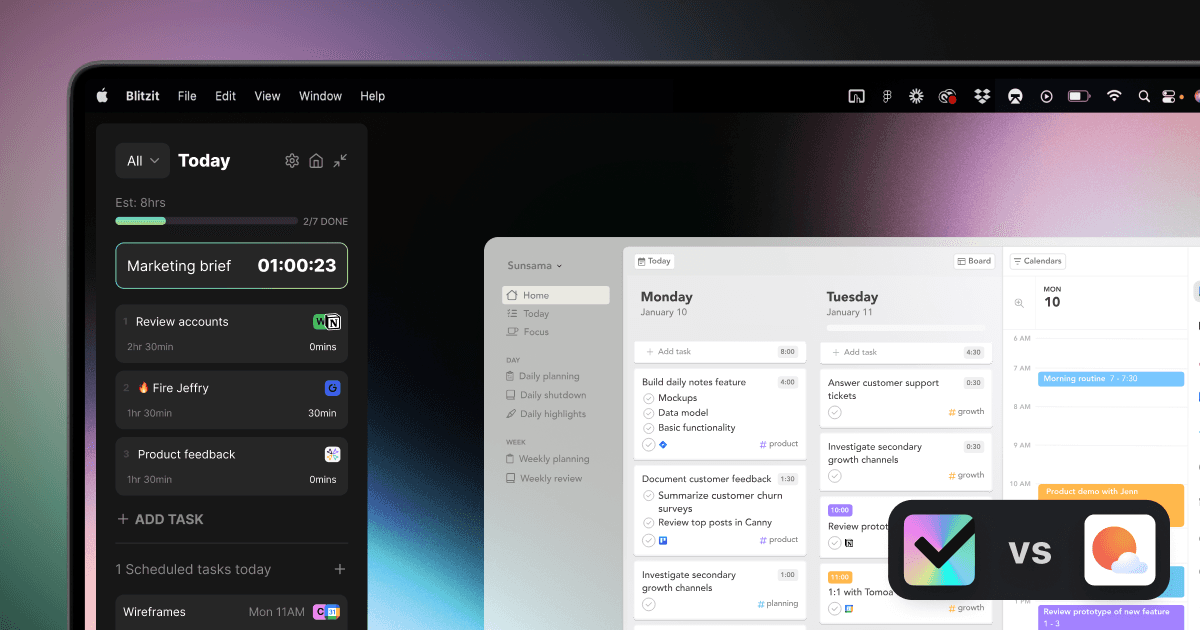
Here’s what makes Blitzit different: Your today’s tasks live in a side panel that’s always visible while you work. When you’re ready to focus, collapse that panel into just the live task with its timer, always visible on screen. From there you can add notes, voice memos, manage subtasks, take breaks, or mark tasks done. No friction, no context switching, just flow.

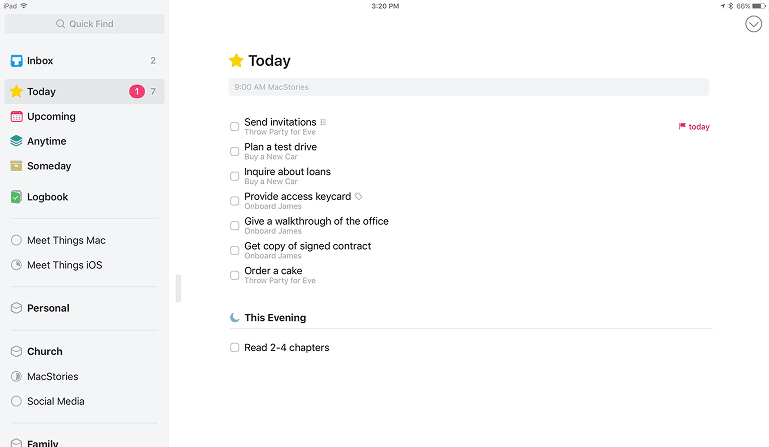
Blitzit task list on a laptop Things 3 interface

Benefits of Things 3

If you want a tool with award-winning design, seamless Apple ecosystem integration, and a delightful task management experience, Things 3 is a premium choice.

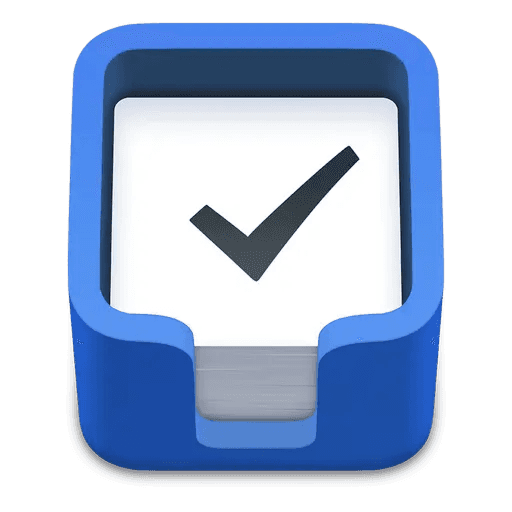
Things 3 interface

Award-Winning Design

Things 3 has won multiple Apple Design Awards. Its interface is stunning, intuitive, and a joy to use. It sets the standard for beautiful task management apps.

Deep Apple Integration

Native apps for Mac, iPhone, iPad, and Apple Watch with features like Handoff, Siri, and Shortcuts integration. If you live in the Apple ecosystem, Things 3 feels like home.

Powerful Organisation

Areas, Projects, and Tags let you organise tasks with precision. The “This Evening” and “Someday” features help you plan both daily work and long-term ideas.

Benefits of Blitzit

Blitzit turns your tasks into an actionable, prioritised to-do list and it’s also designed to complement apps like Things 3, helping you turn beautifully organised tasks into focused momentum.

Blitz Mode & Focus Mode

Things 3 excels at elegant task organisation with Areas and Projects, but when it’s time to actually do the work, you need execution power. Blitzit turns your daily priorities into a clear, actionable list. And with Focus Mode, that list collapses into a sleek, always-visible floating timer, helping you stay focused on the task at hand.

Built-in Time Tracking

Things 3 doesn’t include time tracking. Blitzit does. Every task comes with a live timer, helping you stay accountable, measure focus sessions, and build time management habits without third-party add-ons.

True Cross-Platform

Things 3 only works on Apple devices. Blitzit works everywhere. Mac, Windows, iOS, Android, and web. Your productivity isn’t locked to one ecosystem, so you can stay focused wherever you work.

Coming soon

Integrate Things 3 into Blitzit and turn your todos into an actionable focus list

Stay notified

Things 3 vs Blitzit comparison showdown

Feature Blitzit Things 3
Best For Deep focus and task execution Elegant task organisation
Primary Use Case Daily workflow and flow state focus Personal task and project management
Core Experience Side panel of tasks that collapses into floating focus timer Beautiful GTD-style task organisation
Time Tracking Built-in live timer with Pomodoro, Countdown, or Simple Tracking No built-in time tracking
Focus Tools Focus Mode and Blitz Mode None
Platform Support Mac, Windows, iOS, Android, Web Apple only (Mac, iOS, iPad, Watch)
Calendar Integration Google Calendar (live) Native calendar integration
Gamification Satisfying task celebrations and streaks Satisfying animations only
Integrations Notion and Google Calendar (live). ClickUp, Slack, Claude MCP, ChatGPT MCP coming soon Shortcuts and Siri only
Pricing One-time lifetime deal with affordable monthly options One-time purchase ($49.99 Mac, $9.99 iOS)
Areas and Projects Lists for organisation Areas, Projects, Tags system
Team Collaboration Built for personal productivity Personal use only
Visual Interface Clean, minimalist, low distraction Award-winning beautiful design
Reports Detailed productivity charts and time spent on lists Limited to logbook
Mobile Apps iOS and Android apps available iOS only (iPhone, iPad, Apple Watch)

Why Blitzit Stands Out

For professionals and students who crave clarity, momentum, and focus, Blitzit delivers an execution system designed for how modern work actually feels.

Designed for Focused Execution

Things 3 excels at organising tasks. Blitzit helps you do the work. Your tasks stay visible in a side panel while you work, and when you’re ready to focus, everything collapses into a floating timer that keeps you locked in.

Live Time Tracking Built In

No extra plugins or apps required. Blitzit tracks your time as you work, helping you understand your daily patterns, improve time blocking, and stay accountable.

Flexible Timer Modes

Choose a countdown timer based on your task estimate, switch to Pomodoro mode for focused sprints and breaks, or simply track time freely to see how long tasks actually take. Whatever fits your flow.

Blitz Mode for Instant Momentum

Start your day with a single click. Blitz Mode launches you into your first task with a live countdown and clear focus. Intention becomes action, fast.

Gamified Motivation That Feels Good

Every task you complete triggers satisfying visual feedback. Streaks and celebratory GIFs make productivity feel rewarding, not just effective.

True Cross-Platform

Unlike Things 3’s Apple-only approach, Blitzit works everywhere. Mac, Windows, iOS, Android, and web. Your productivity isn’t locked to one ecosystem.

Insightful Reports

Blitzit tracks your completed tasks and time spent automatically. Simple, visual reports show where your time goes so you can improve how you work.

Lifetime Deal Pricing

No subscriptions. One payment. Blitzit delivers premium productivity tools at a fraction of the long-term cost.

When Things 3 Might Be Better

Blitzit excels at execution. But Things 3 is a strong choice for Apple users who prioritise beautiful design and powerful organisation.

Award-Winning Design

If you value aesthetics and user experience above all, Things 3 is hard to beat. It’s one of the most beautifully designed apps ever made.

Deep Apple Integration

Native Shortcuts, Siri, Handoff, and Apple Watch support. If you’re all-in on Apple, Things 3 feels perfectly at home.

Areas and Projects System

Organise your life into Areas (work, personal, etc.) and Projects with precision. Great for GTD (Getting Things Done) methodology followers.

“This Evening” and “Someday” Features

Unique features that help you defer tasks to later today or someday in the future. Perfect for separating urgent from important.

Not Sure Which One Is Right for You?

Ask yourself these questions:

Do I need beautiful organisation, or powerful execution with focus?

Am I exclusively on Apple devices, or do I need cross-platform support?

Is time tracking during execution important to my workflow?

Do I follow GTD methodology and need Areas and Projects?

Does gamification and momentum-building motivate me?

The Bottom Line

Choosing between Blitzit and Things 3 isn’t about which tool has more features. It’s about choosing the one that fits how you work.

If you want a focused daily execution system that helps you stay on task, in flow, and in control across all your devices, Blitzit is a powerful and beautifully simple choice.

If you’re an Apple user who values award-winning design and powerful organisation with Areas and Projects, Things 3 offers a premium, elegant experience.

Here’s the thing though. You don’t have to choose just one. Many professionals organise in Things 3 and execute in Blitzit, using them together to bridge planning and action. You can connect the two by syncing Things 3 with your calendar, then integrating that calendar with Blitzit. It’s a simple way to bring your organised tasks into your daily Blitzit workflow so you can stay focused and in control.

Ready to Try Blitzit?

Start free today and get access to Blitzit’s 20% off Lifetime Deal while it’s still available.
Coming soon

Integrate Things 3 into Blitzit and turn your todos into an actionable focus list

Stay notified