
⚡ Why Blitzit Stands Out for Modern Professionals
For professionals and students who crave clarity, momentum, and focus, Blitzit offers more than just task management—it delivers an execution system designed for how modern work feels.
Here’s what sets Blitzit apart:
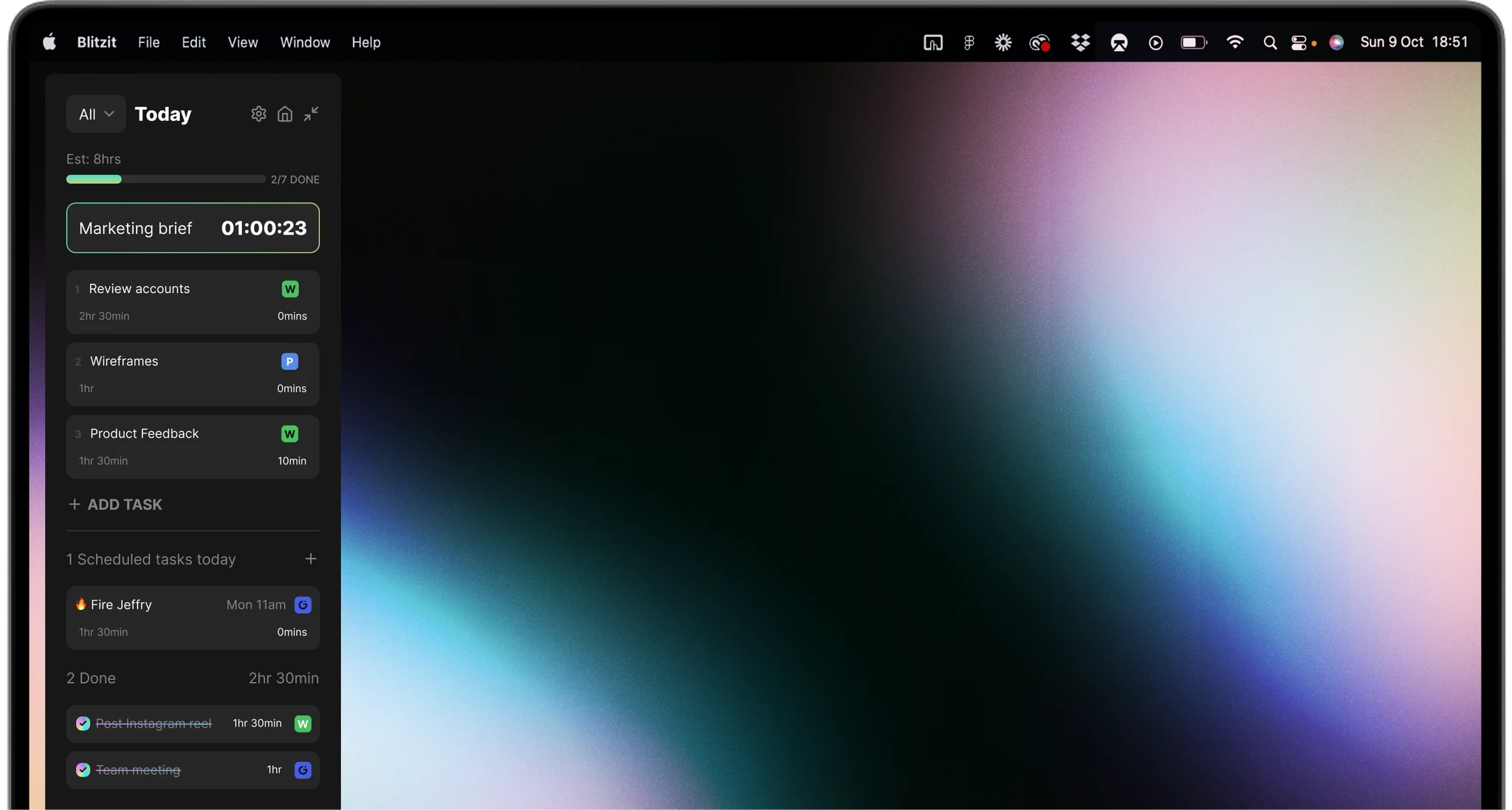
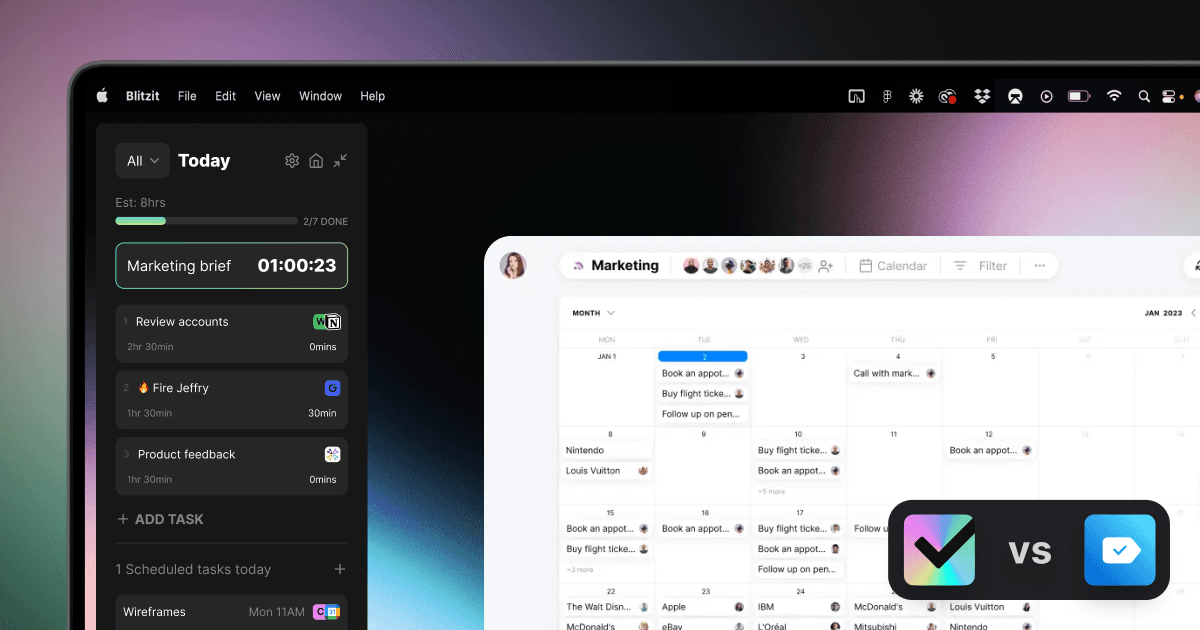
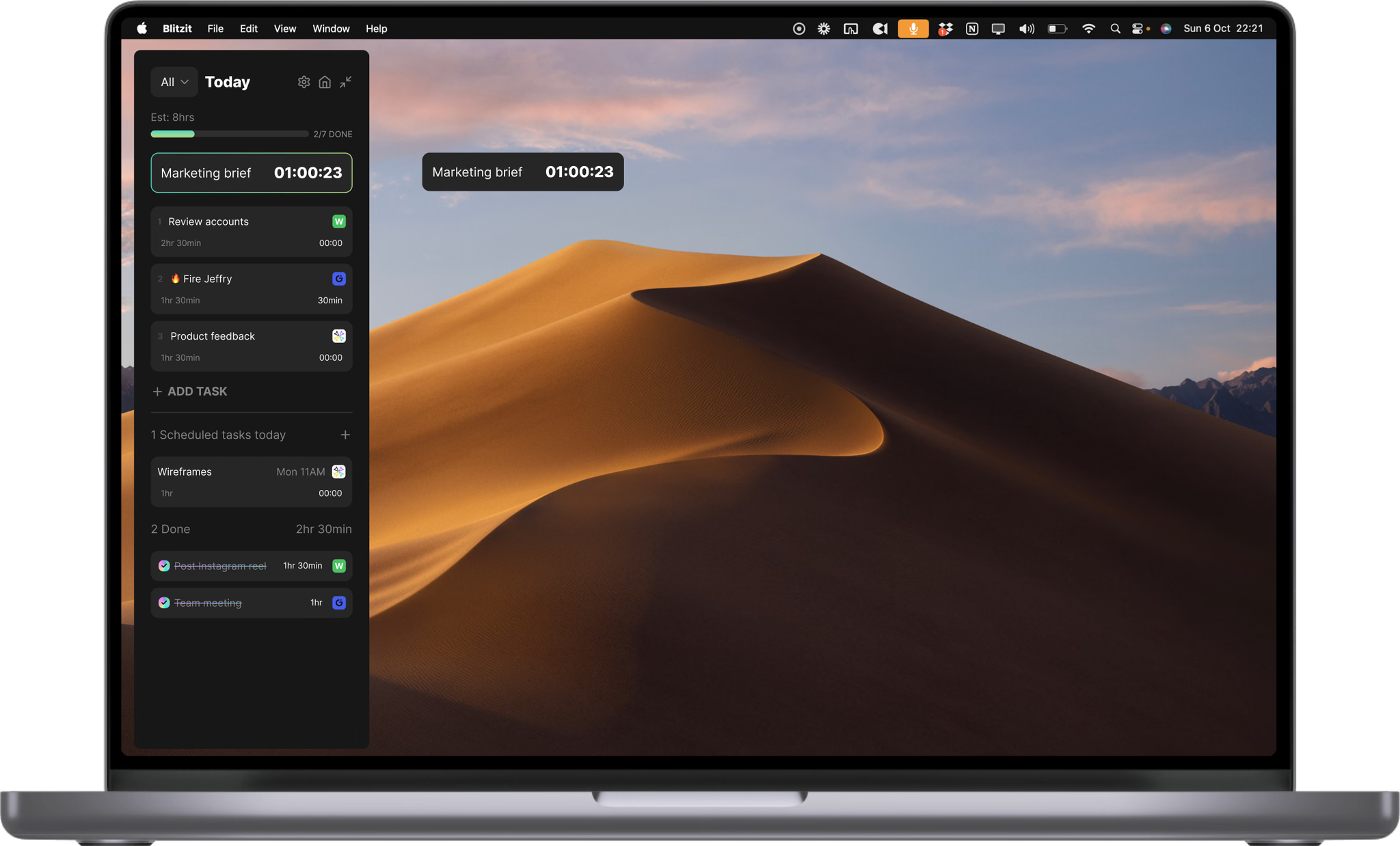
🧠 Designed for Focused Execution, Not Just Organisation While many tools stop at sorting your to-do list, Blitzit helps you do the work. With Focus Mode, your task list collapses into an always-visible floating timer that keeps you on track, minute by minute—so you stay in flow without distractions.
⏱ Live Time Tracking Built In No extra plugins or apps required—Blitzit tracks your time as you work, helping you understand your daily patterns, improve time blocking, and stay accountable.
⏳ Flexible Timer Modes: Pomodoro, Countdown, or Simple Tracking Blitzit gives you full control over how you manage your time. Choose a countdown timer based on your task estimate, switch to Pomodoro mode for focused sprints and breaks, or simply track time freely to see how long tasks actually take—whatever suits your flow.
⚡ Blitz Mode for Instant Momentum Start your day with a single click. Blitz Mode launches you into your first task with a live countdown and clear focus—turning intention into action, fast.
🎉 Gamified Motivation That Feels Good Every task you complete triggers satisfying visual feedback, from streaks to celebratory GIFs. Productivity doesn’t just feel effective—it feels rewarding.
🧘 Minimalist, Frictionless UX Blitzit’s interface is beautifully simple and distraction-free, helping reduce cognitive load during high-pressure work sessions. Every feature serves flow.
📅 Flexible Time Blocking Estimate durations, schedule your day, and pivot as needed. Blitzit brings the clarity of time blocking without the rigidity—ideal for unpredictable workloads
🔌 Few Integrations, with more coming soon!** **With native integrations to Google Calendar and Notion—and upcoming support for ClickUp, Asana, Slack, and more—Blitzit fits into your workflow while staying focused on you.
📊 Insightful Reports to Track Your Progress Blitzit automatically tracks your completed tasks and time spent, giving you simple, visual reports that show where your time goes. Review your productivity patterns, identify focus gaps, and continuously improve how you work.
💸 Lifetime Deal = Long-Term Value No subscriptions. One payment. Blitzit delivers premium productivity tools at a fraction of the long-term cost.
🧠 When Todoist Might Be the Better Fit
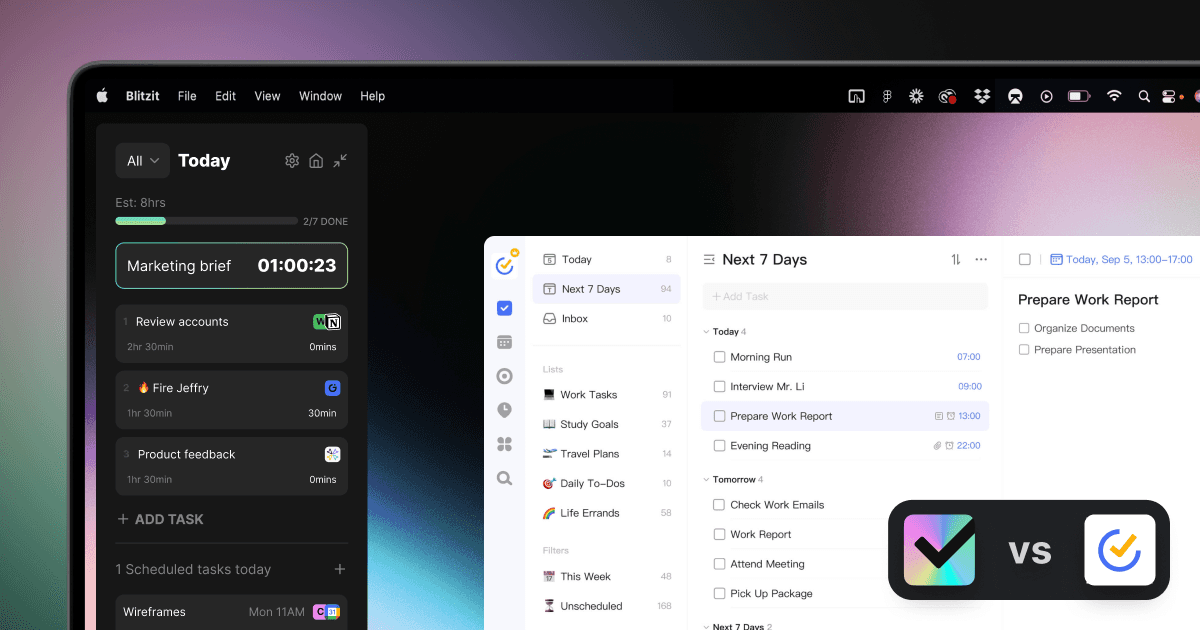
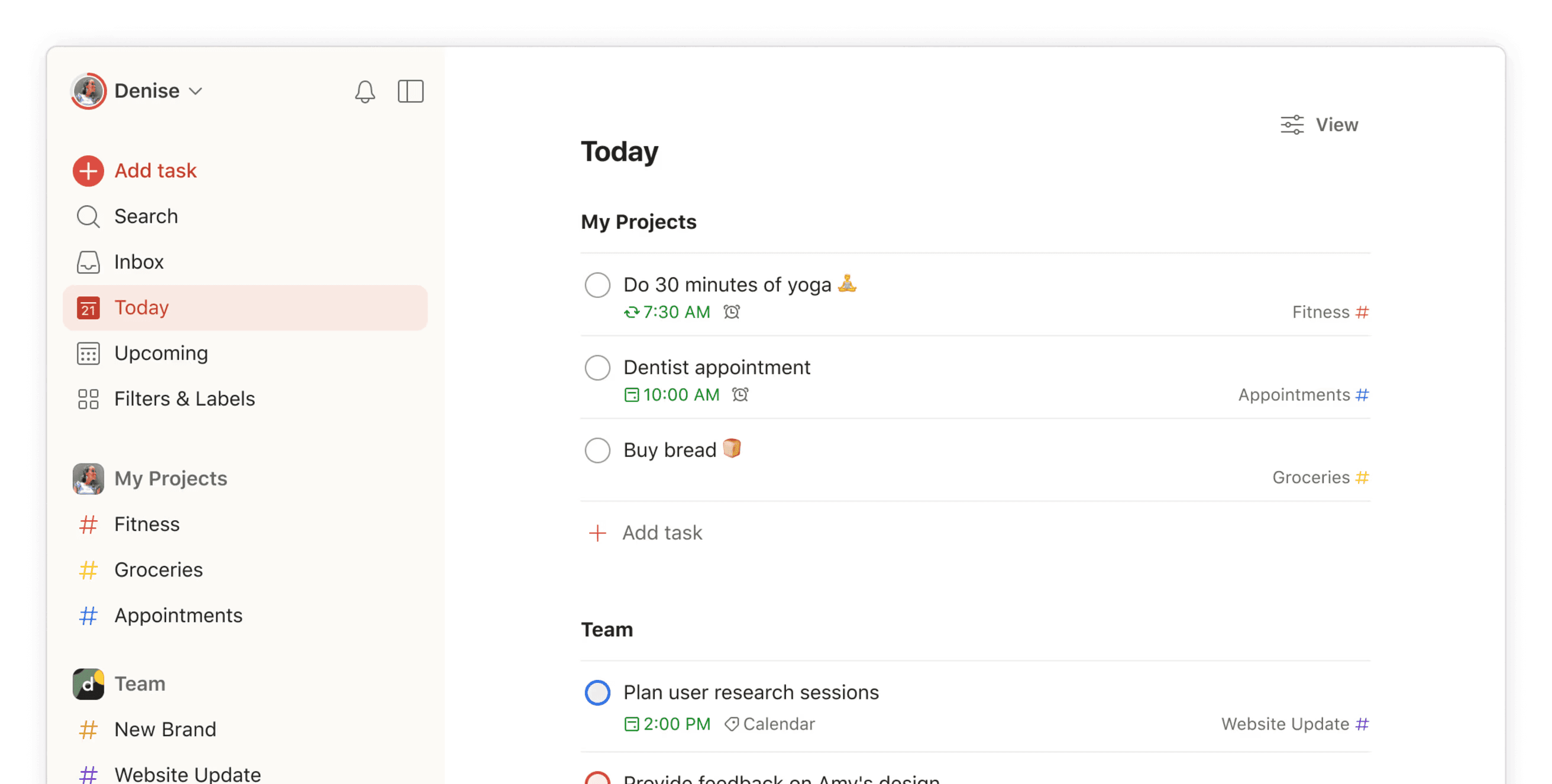
Blitzit excels at execution. But Todoist is a strong choice for users with complex planning needs, especially if you prioritise task capture speed and granular structure.
Here’s where Todoist shines:
⌨️ Natural Language Task Entry Type “Submit invoice next Friday at 3pm,” and Todoist turns it into a smart, scheduled task instantly—great for rapid capture.
🗂 Deep Project Organisation With up to four levels of nested tasks, Todoist offers detailed structural control, ideal for project managers, researchers, and academic work.
🏆 Karma System for Long-Term Motivation Todoist rewards consistent productivity with its Karma system, helping build habits over time through a points-based system.
🔌 Extensive Integrations Todoist supports a huge ecosystem of third-party apps. If your workflow is heavily integrated across tools, it may offer broader connectivity than Blitzit right now.
🤔 Not Sure Which One’s Right for You?
Ask yourself:
- Do I need a tool for capturing ideas quickly (Todoist), or for executing tasks with focus (Blitzit)?
- Do I thrive in a visually clean, minimalist interface (Blitzit), or prefer detailed control and structure (Todoist)?
- Is time tracking and daily momentum a core part of my workflow (Blitzit)?
- Do I want a *one-time purchase *(Blitzit) or am I fine with ongoing subscriptions (Todoist)?
- Does gamification that rewards action feel more motivating (Blitzit), or do I prefer long-term habit streaks (Todoist)?
🏁 The Bottom Line
Choosing between Blitzit and Todoist isn’t about which tool has more features—it’s about choosing the one that fits the way you work.
If you’re looking for a focused, daily execution system that helps you stay on task, in flow, and in control—Blitzit is a powerful, beautifully simple choice.
If you need complex task organisation, fast capture, and a robust project management hierarchy—Todoist continues to be a reliable go-to.
But here’s the truth: You don’t have to choose just one. Many professionals plan in Todoist and execute in Blitzit—using them together to bridge strategy and action. While a native Todoist integration is on our roadmap, you can already connect the two by syncing Todoist with Google Calendar, then integrating Google Calendar with Blitzit. It’s a simple way to bring your planned tasks into your daily Blitzit workflow—so you can stay focused and in control.
🔓 Ready to Try Blitzit?
Start free today and get access to Blitzit’s 20% off Lifetime Deal—while it’s still available.