Activation code
Unlocking Your Lifetime Plan via Your Activation Code
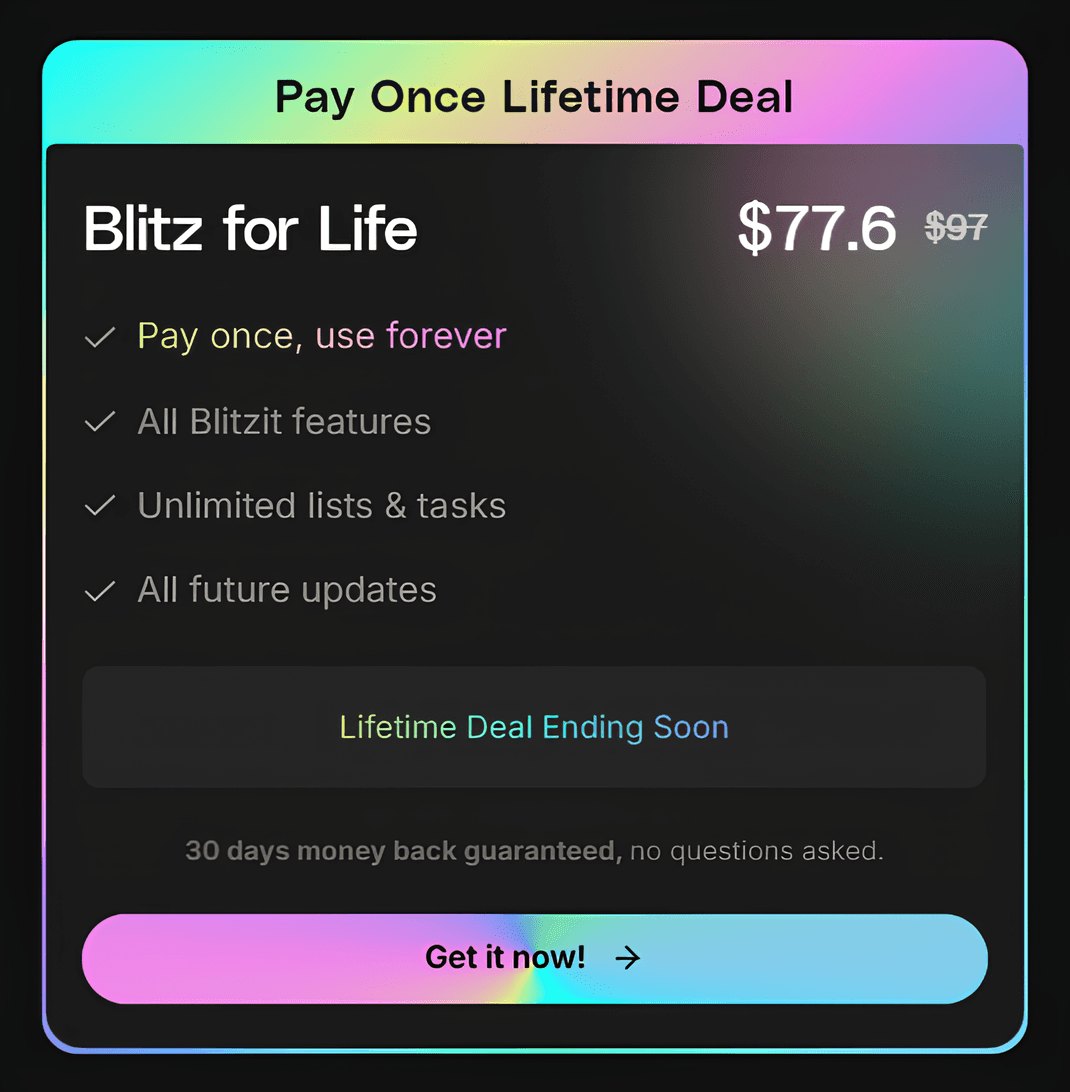
When you purchase a lifetime plan on the Blitzit website, you will receive an activation code by email. This code allows you to unlock your lifetime plan and gain full access to premium features.
How to activate your plan
- Open the Blitzit app.
- Click the Upgrade Now button at the top right of the interface.
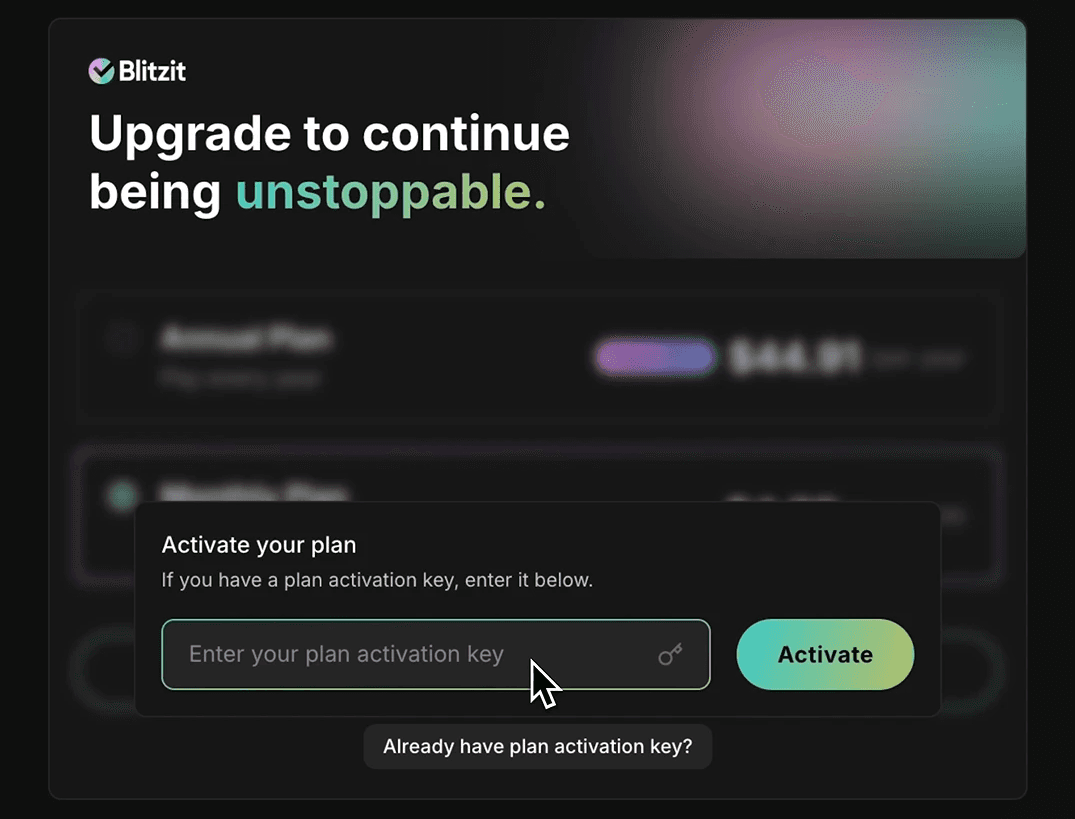
- In the upgrade window, look for the option “Already have plan activation key?” just below the Subscribe button.
- Click it, and a field will appear.
- Enter or paste your activation code and confirm.
Once you complete these steps, your account will instantly unlock your lifetime plan.
Didn’t receive your activation code?
- Check your spam or promotions folder.
- If you still can’t find your code, contact our support team for assistance.
Important notes
- Each activation code can only be used once, on a single Blitzit account.
- Keep your code secure — do not share it with others.
Connect with us
Links
Most Popular
Important articles on how Blitzit works.