Affiliate program
If you enjoy using Blitzit and want to share it with others, you can join the Affiliate Program. As an affiliate, you can earn rewards for helping grow the Blitzit community.
How the Affiliate Program Works
When you join, you’ll receive:
- A personalized affiliate link to share with others.
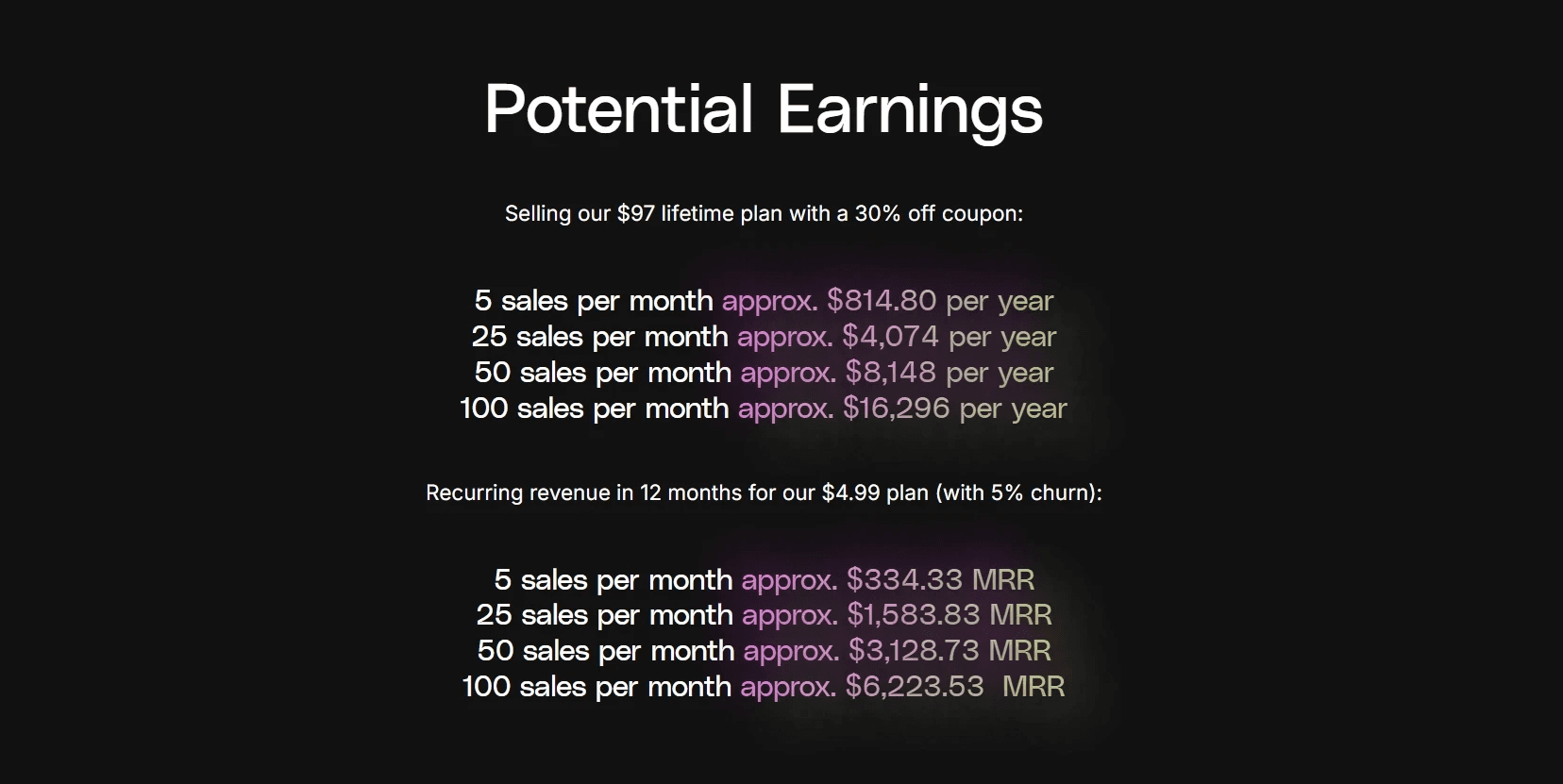
- 20% commission on every purchase made by new users who sign up through your referral.
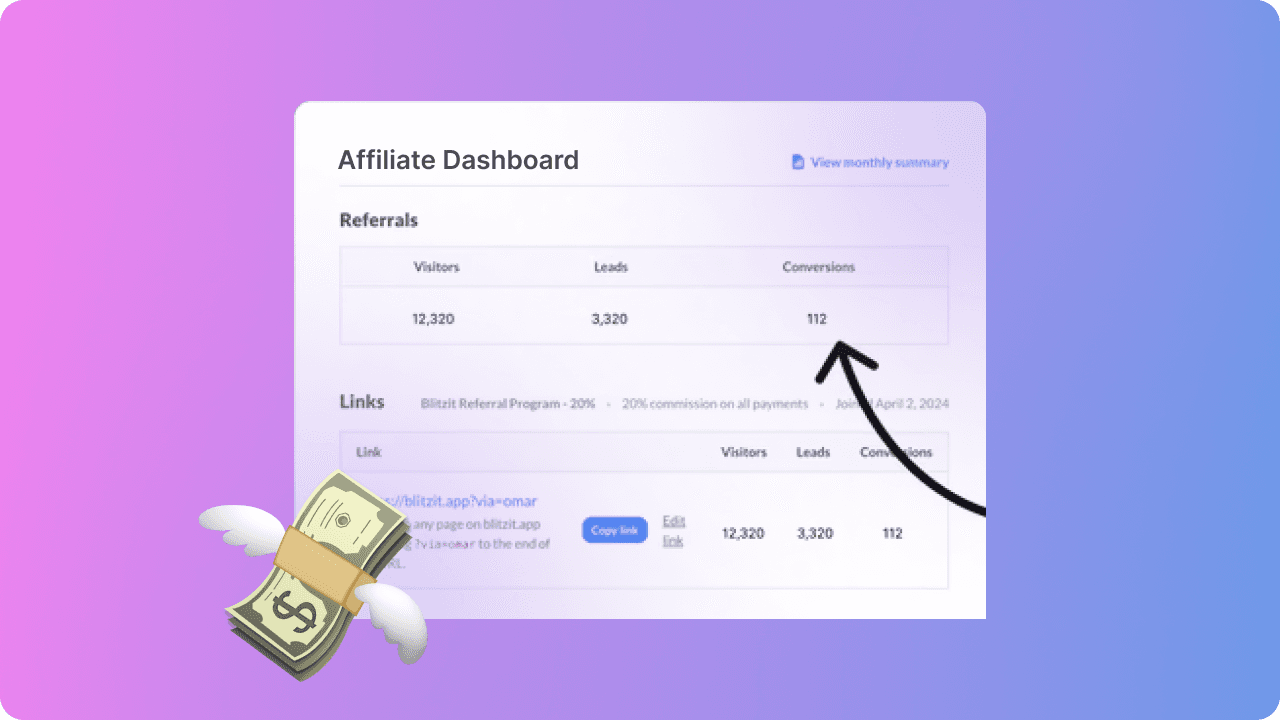
- An affiliate dashboard where you can track clicks, sign-ups, and earnings.
To explore more details and set up your page, visit the Affiliate Info page.
How to Join
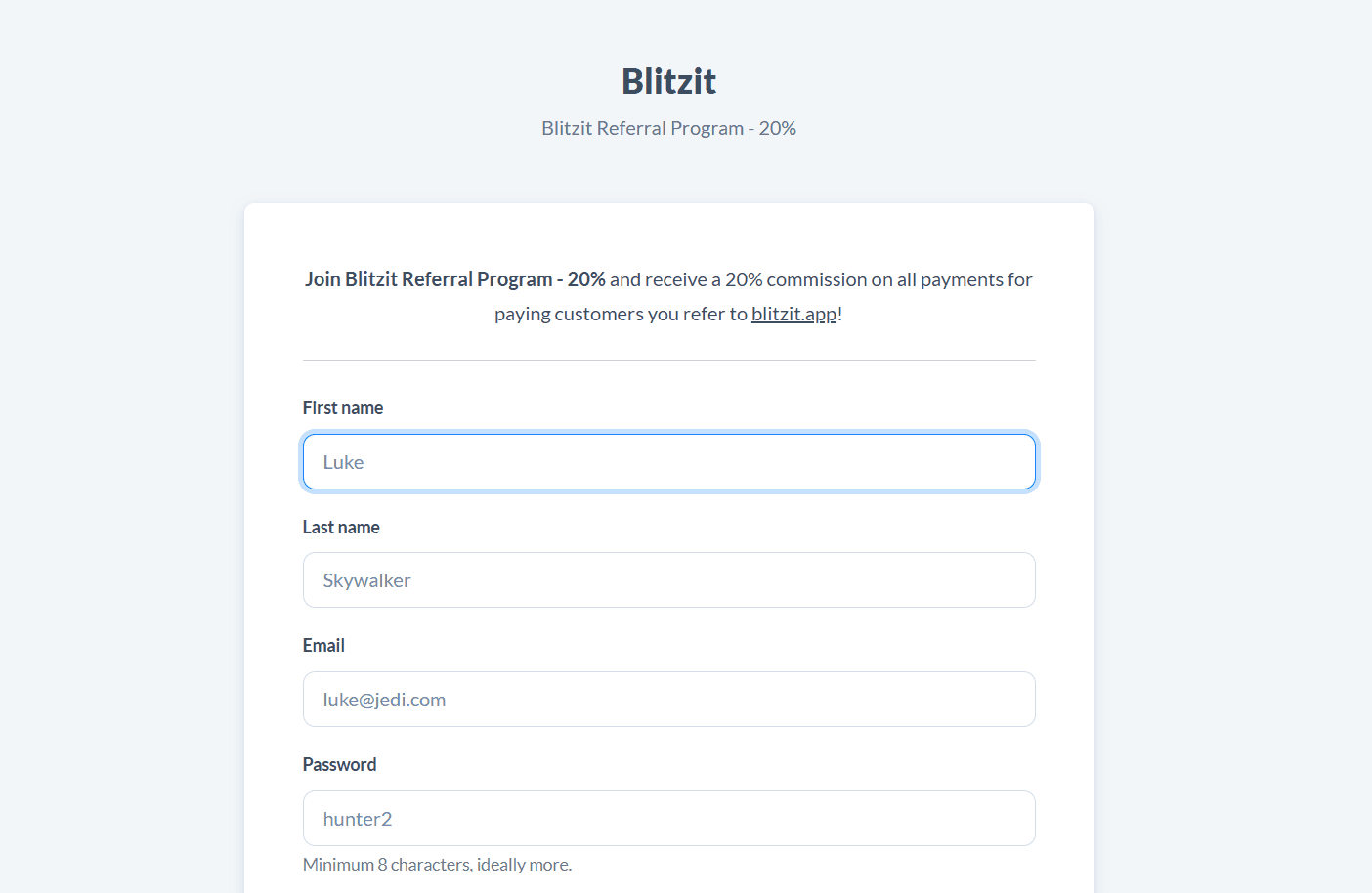
- Go to the Blitzit Partner Program sign-up page.
- Fill out the registration form (takes around 4 minutes).
- Click Sign Up to create your affiliate account.
Once registered and confirmed, you’ll receive a unique referral link to share.
Tips for Successful Referrals
- Target your network of productivity-focused professionals.
- Pair the link with a personal success story.
- Leverage productivity communities (forums, Slack groups, LinkedIn discussions — weave in your Blitzit link naturally)
- Promote during new Blitzit feature releases.
Connect with us
Links
Most Popular
Important articles on how Blitzit works.