Introduction to Blitzit
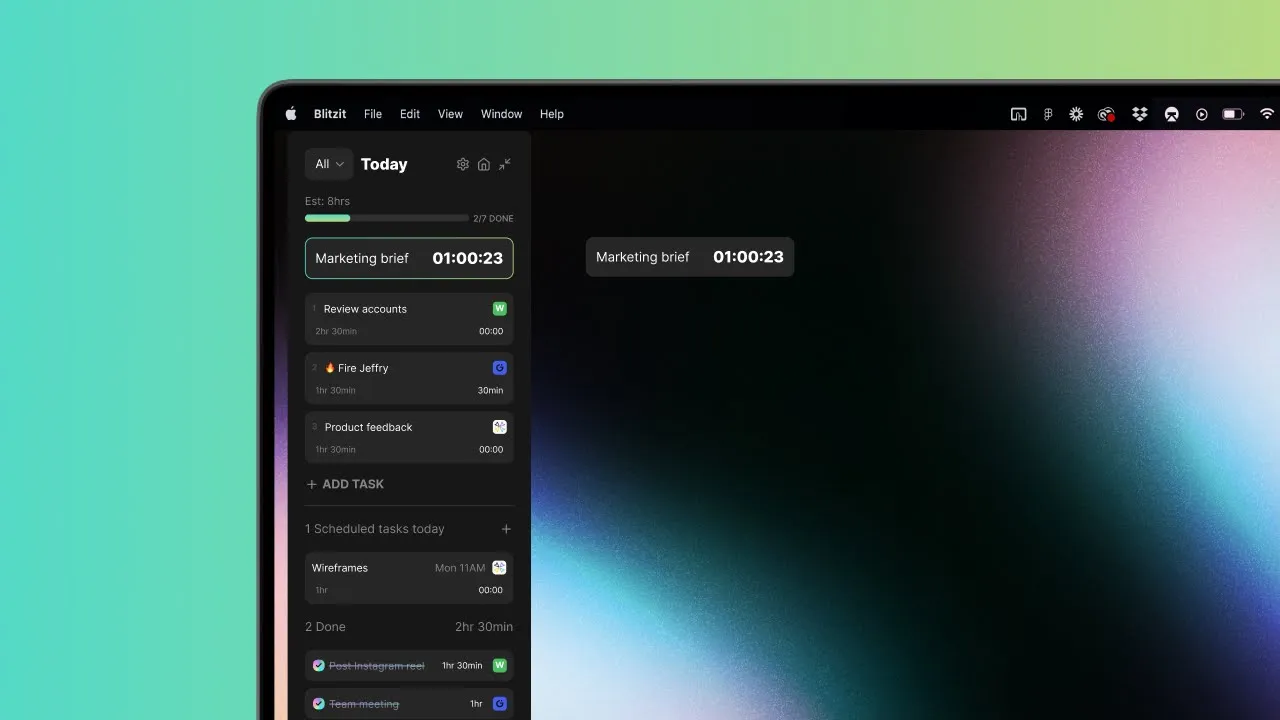
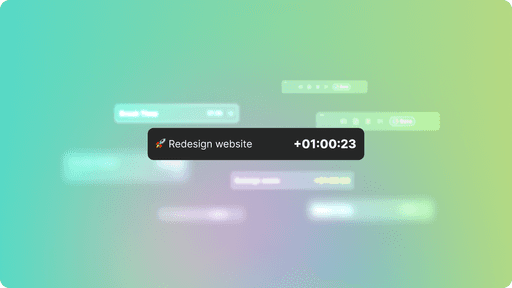
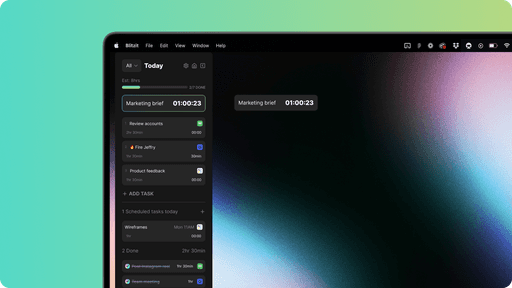
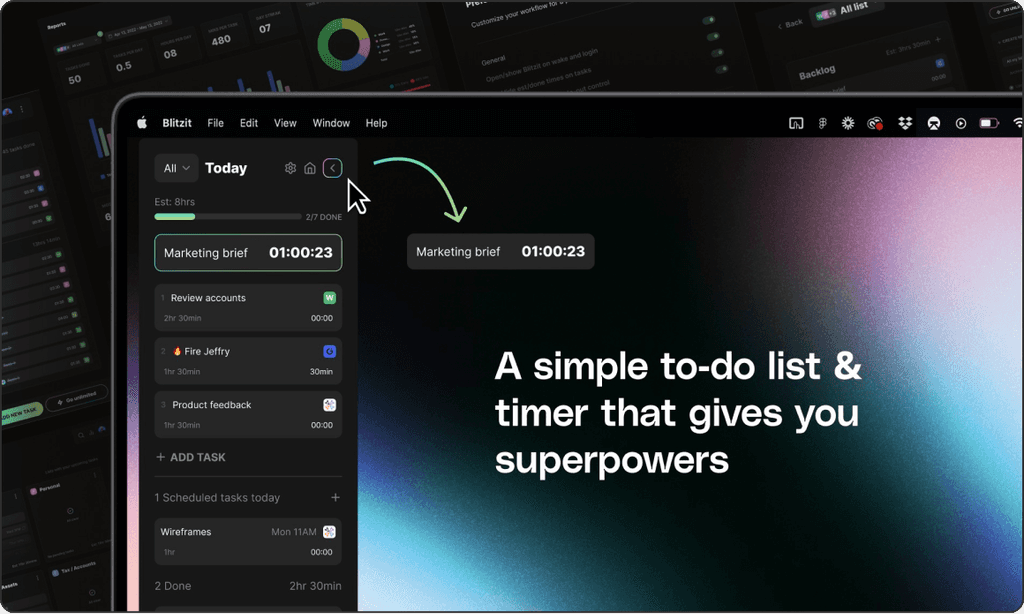
Blitzit is a personal productivity tool built around a simple to-do list that can collapse into a floating countdown timer, keeping your current task always visible so you stay focused. It includes additional features such as Pomodoro timers, productivity reports, task scheduling, notes, and more — all designed to help you focus, prioritize, and regain control of your time.
Minimum Requirements
Blitzit is available for macOS 12.3 or later (Intel & Apple Silicon) and Windows 10 and 11.
Blitzit performs well on most systems, although we recommend having at least 8 GB of RAM for the best experience.
How it works (in a nutshell)
STEP 1: Plan your week/day
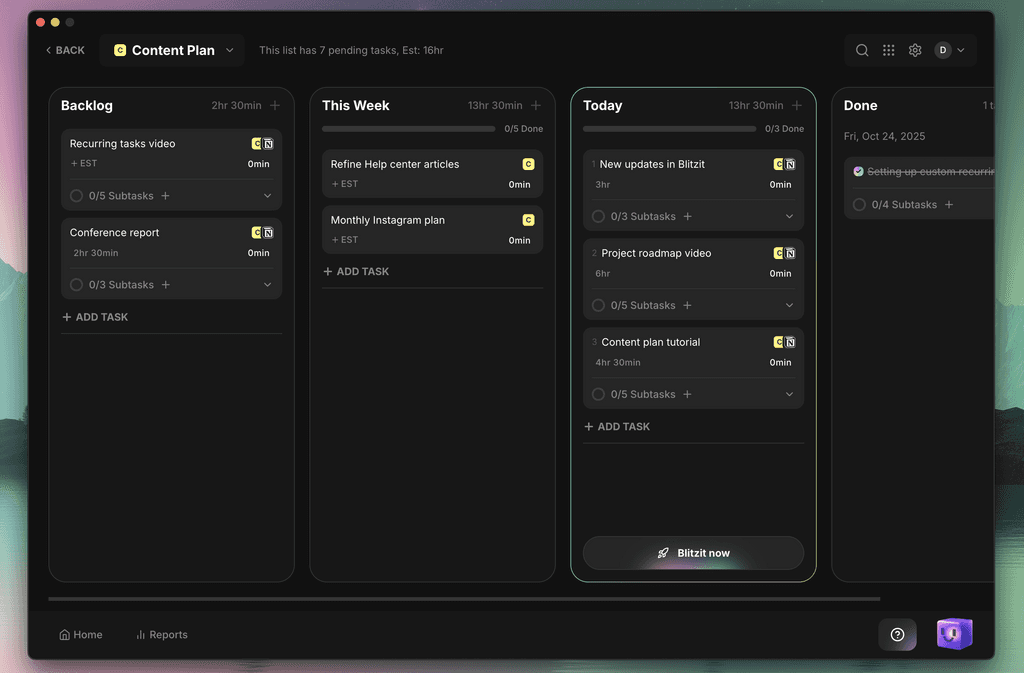
STEP 2: Go into Focus Mode
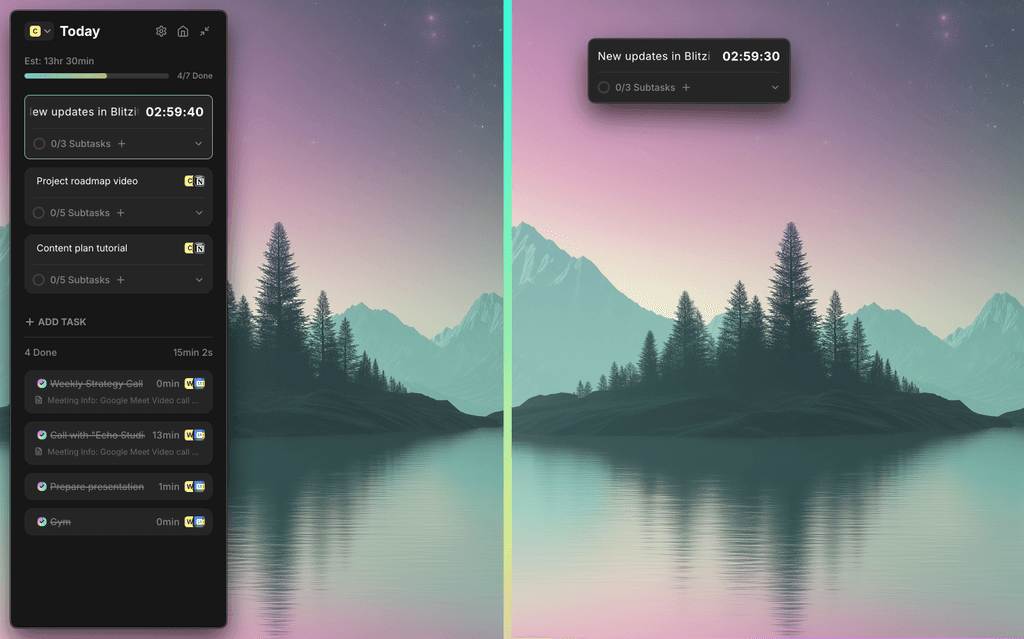
STEP 3: Gain momentum
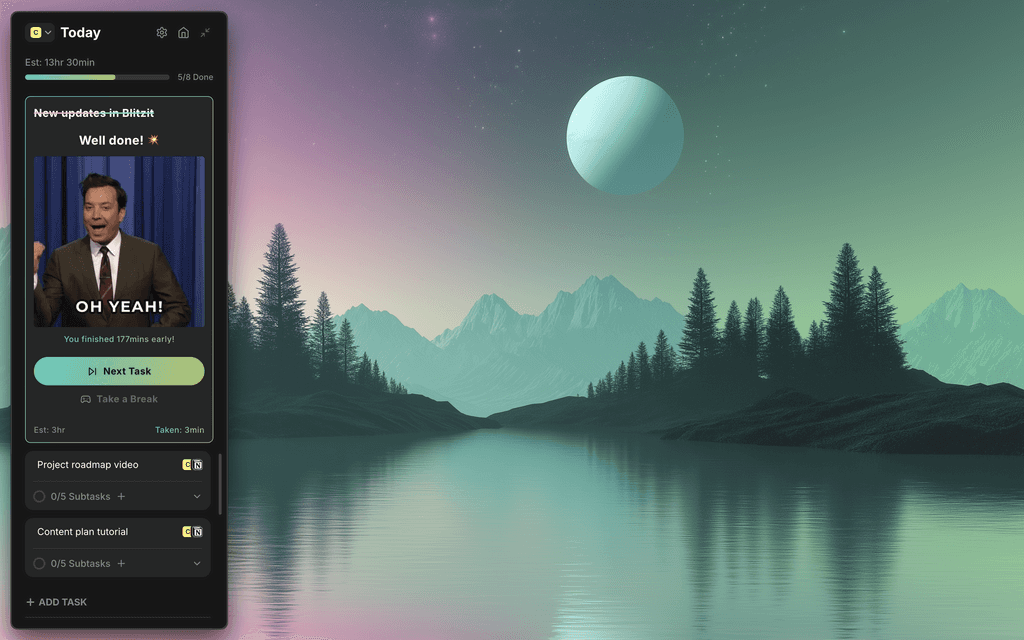
STEP 4: Win the day & relax
You’re ready to start
Blitzit is designed to help you focus with less friction. Create your first tasks, start a focus session, and let the momentum build.
For more guidance on any feature, browse the articles in the sidebar on the left.
Connect with us
Links
Most Popular
Important articles on how Blitzit works.