Lists
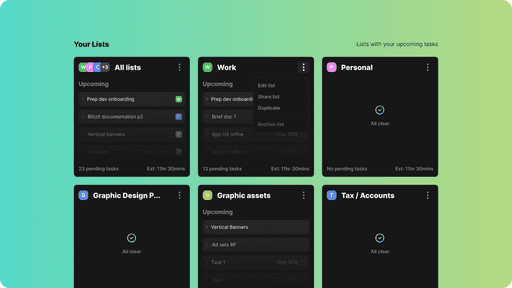
Lists let you group and separate tasks across your different projects or areas of work. They help you keep things organized and make it easy to find tasks based on context.
Creating a New List
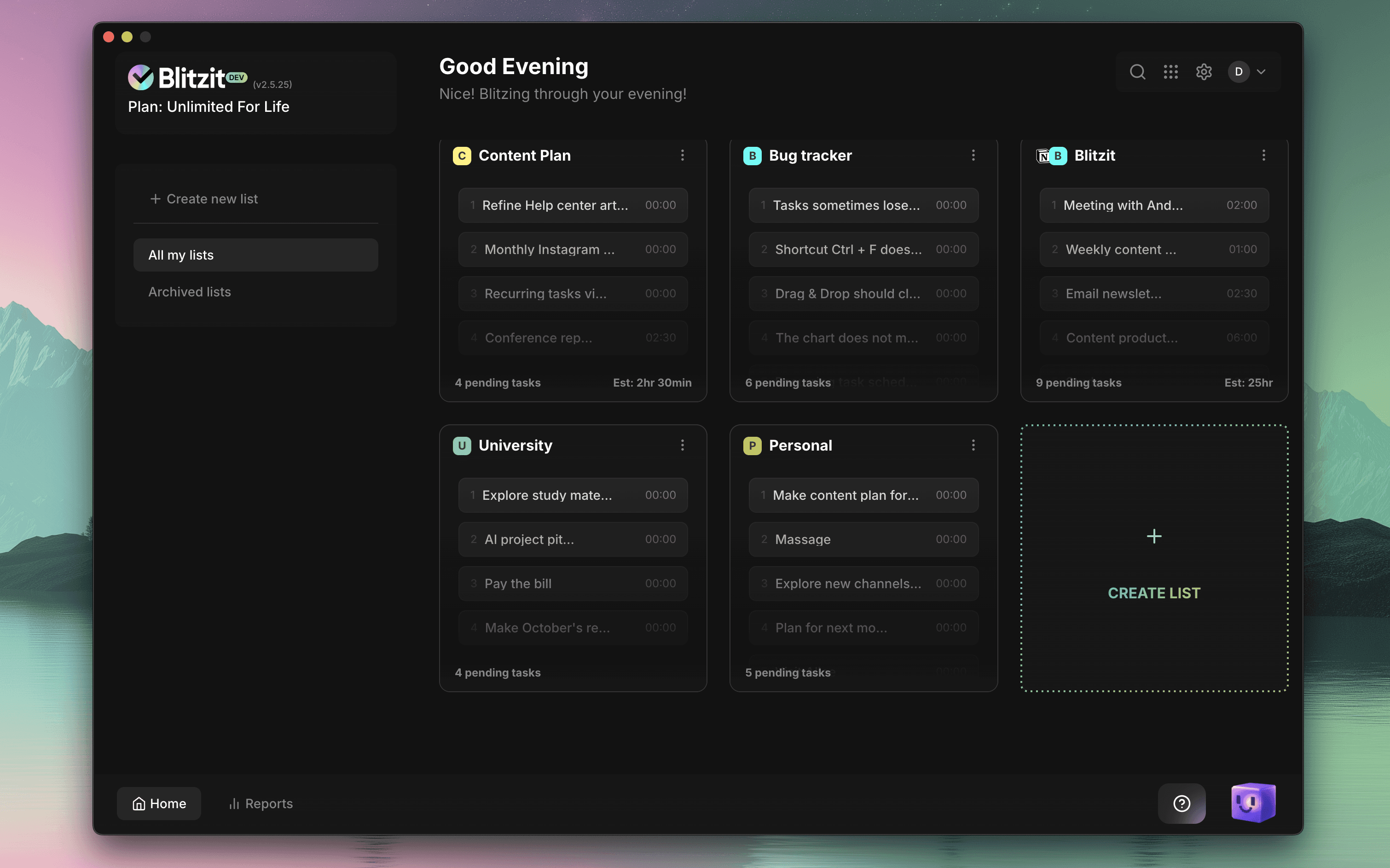
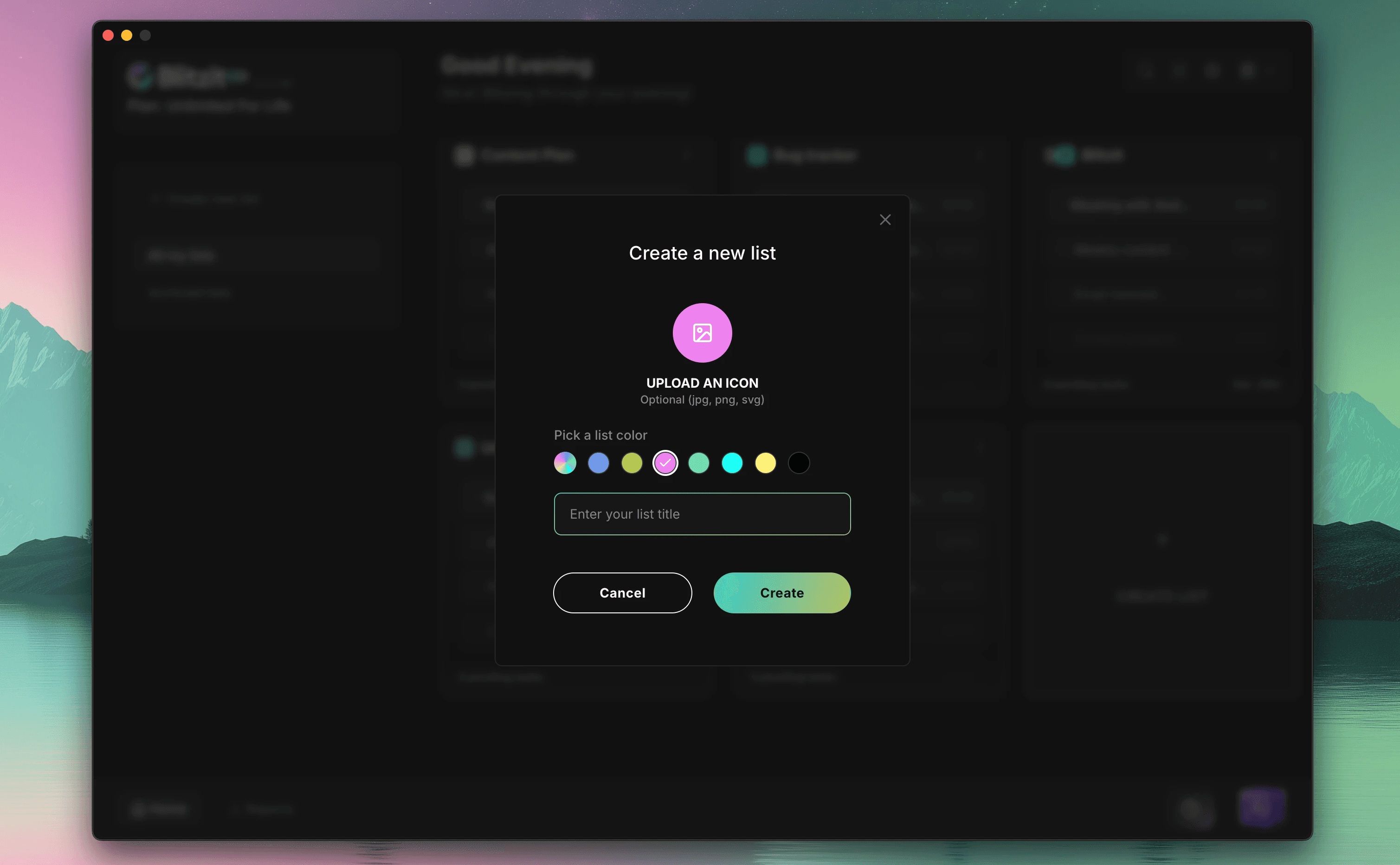
Go to Home. You can create a new list by:
- Clicking the Create List tile, or
- Using the + Create new list button on the left panel.
Give your list a title, choose a color or upload an icon, then click Create.
List Columns
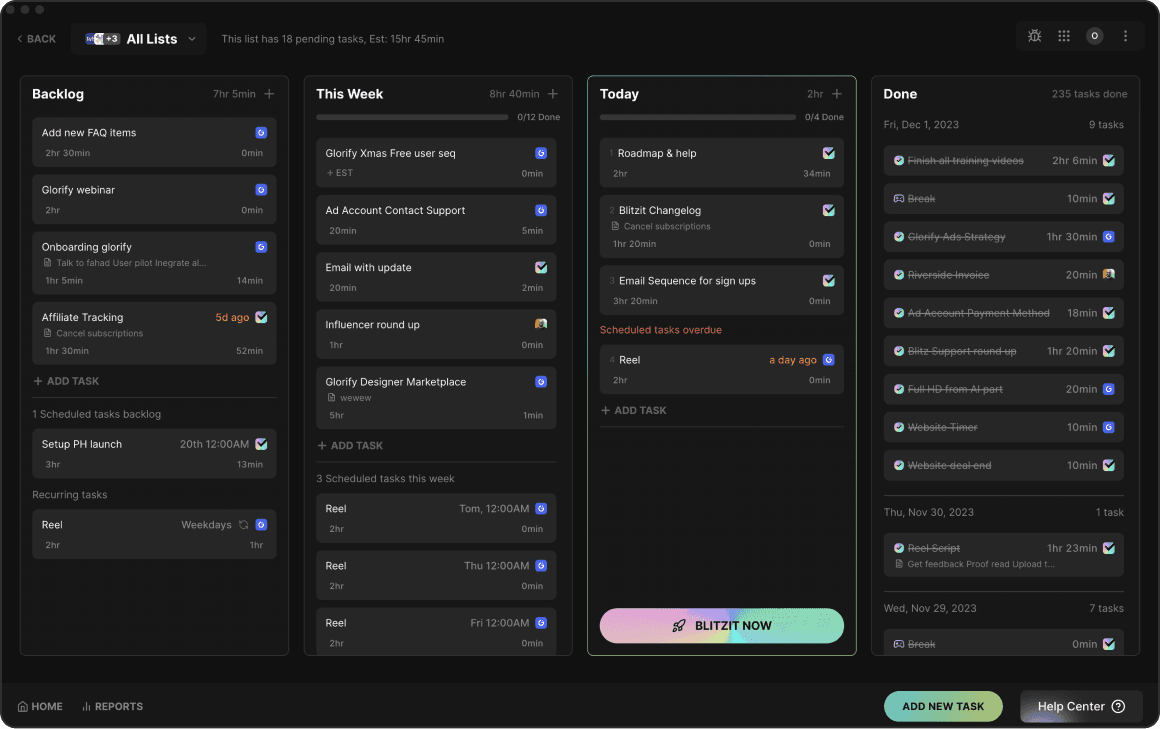
Each list has three columns that help you organize tasks by priority and timeframe:
- Backlog — For tasks you need to do beyond 1 week.
- This week — For tasks scheduled for the current week (starting Monday).
- Today — For tasks you want to finish today.
Scheduled tasks appear in these columns as well. They automatically move between Backlog, This week, and Today based on their scheduled dates, following the same rules above.
Recurring tasks create a parent task in Backlog. You can learn more about this in the Scheduling Tasks section.
Switching Between Single List and All List View
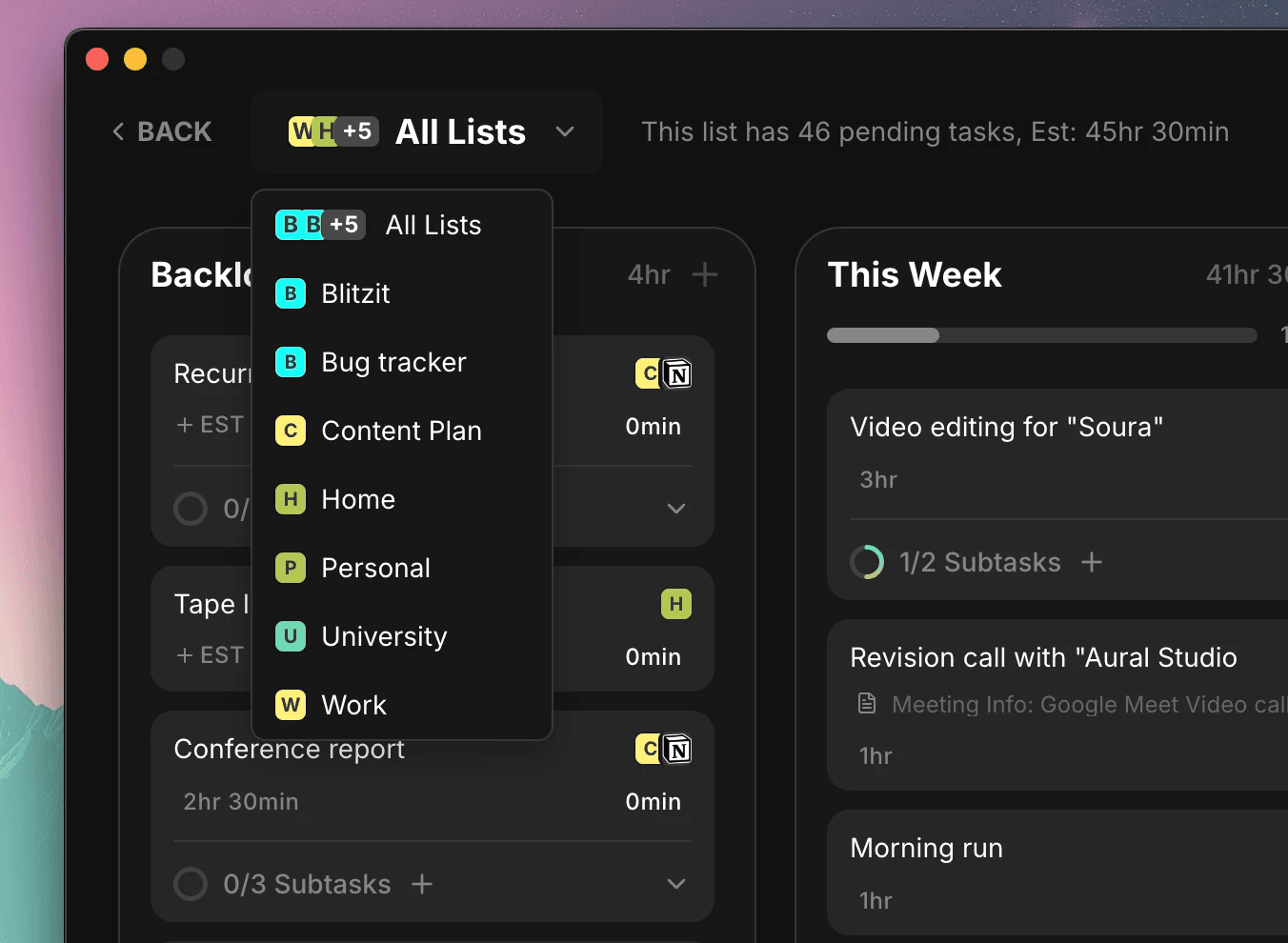
When you have more than two lists, you can switch between:
- Individual List View — focusing on one list at a time
- All Lists View — seeing all your tasks across lists combined into the same Backlog / This Week / Today structure
You can switch views from the list dropdown in the top-left corner while viewing a list.
Any changes you make in either view automatically sync between both.
Connect with us
Links
Most Popular
Important articles on how Blitzit works.