Key shortcuts for Windows
Using Windows Keyboard Shortcuts in Blitzit
Blitzit supports two types of shortcuts:
- Global shortcuts — Work anywhere on your computer.
- In-app shortcuts — Work only while you’re inside Blitzit.
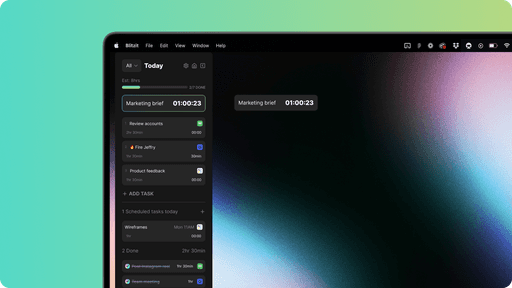
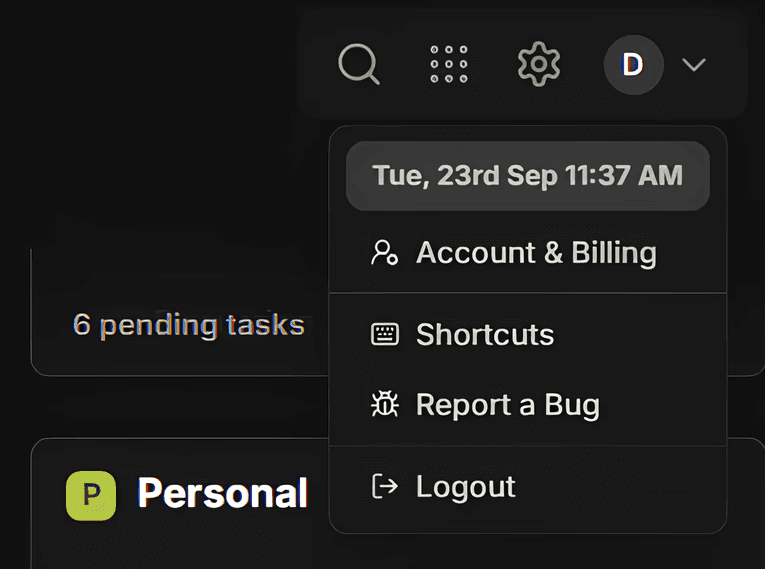
You can view the full list anytime by clicking your Avatar in the top right corner of Blitzit and selecting Shortcuts from the menu. From there, you can also turn global shortcuts on or off to keep only the ones you want.
Global Shortcuts
These work no matter what app you’re currently using:
- Go to Blitzit —
Ctrl + ⇧ + B
Brings the Blitzit app to the front instantly. - Alternate between Focus Mode —
Ctrl + ⇧ + T
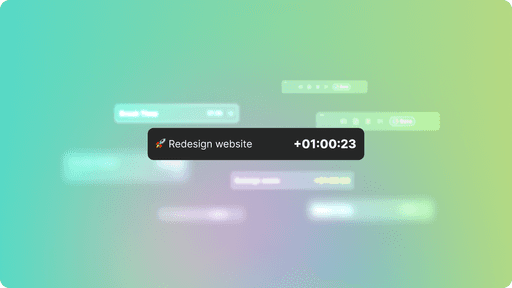
Switches between the Blitz Panel and the Floating Timer when you’re in Blitz Mode. - Find focus timer —
Ctrl + ⇧ + P
Adds an animation to the Floating Timer so you can easily locate it on your screen.
In-App Shortcuts
These shortcuts help you work faster while inside Blitzit:
- Create new task —
Ctrl + Alt + T
Opens a popup to quickly add a task to any list. - Start break —
Ctrl + Alt + BPauses your current task and starts a break. After the break, the task resumes or you can skip the break manually. - Pause task —
Ctrl + Alt + P
Pauses the timer on your current task without marking it as done. - Skip task —
Ctrl + Alt + S
Skips the active task and moves to the next one in your list. (Works only with live tasks, not breaks.) - Finish active task (Mark as done) —
Ctrl + Alt + F
Marks the current task as completed and moves it to your done list. - Add notes (Active task) —
Ctrl + Alt + N
Opens the notes section for your active task. - Search —
Ctrl + F
Opens the search bar to find any task or list in Blitzit. (Does not work in Blitz Mode — use it from the Home section.)
Connect with us
Links
Most Popular
Important articles on how Blitzit works.