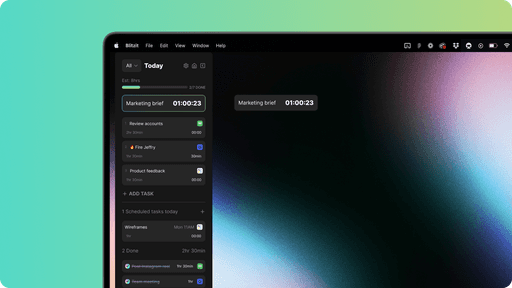
Task notes
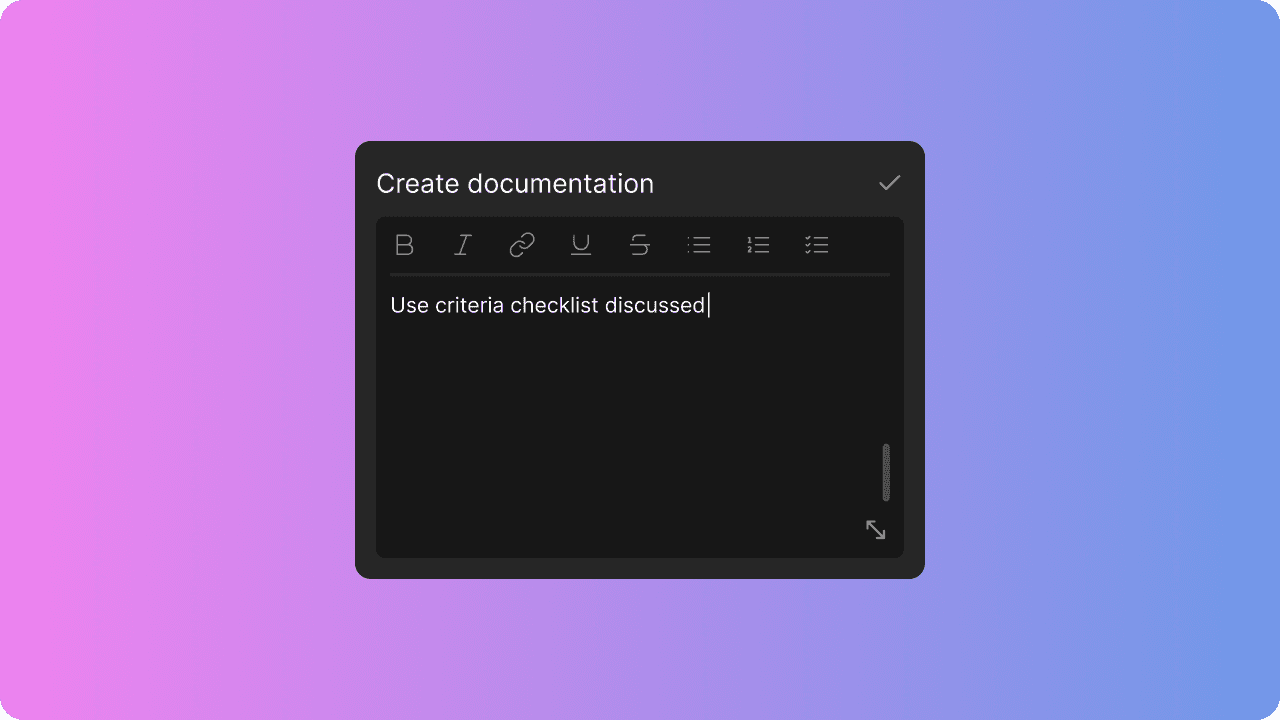
Adding Notes to Tasks
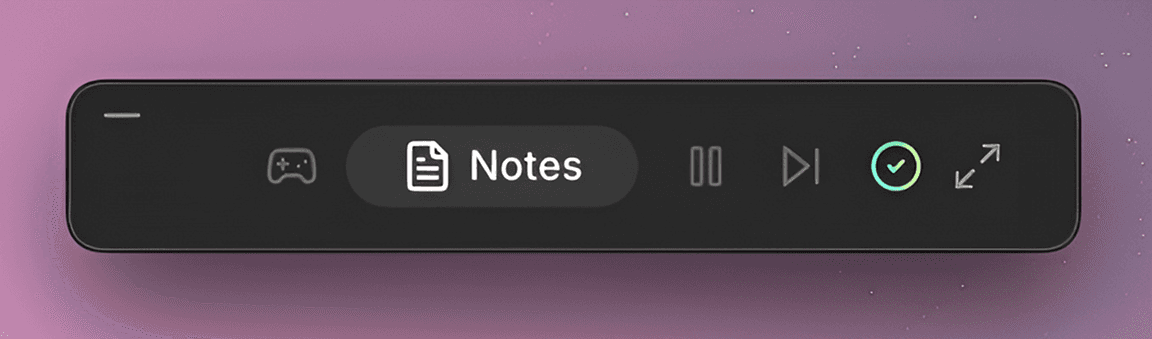
You can add notes to any task from both List view and Blitz Mode.
Hover over the task, open the expanded menu, and click Notes.
Formatting Notes
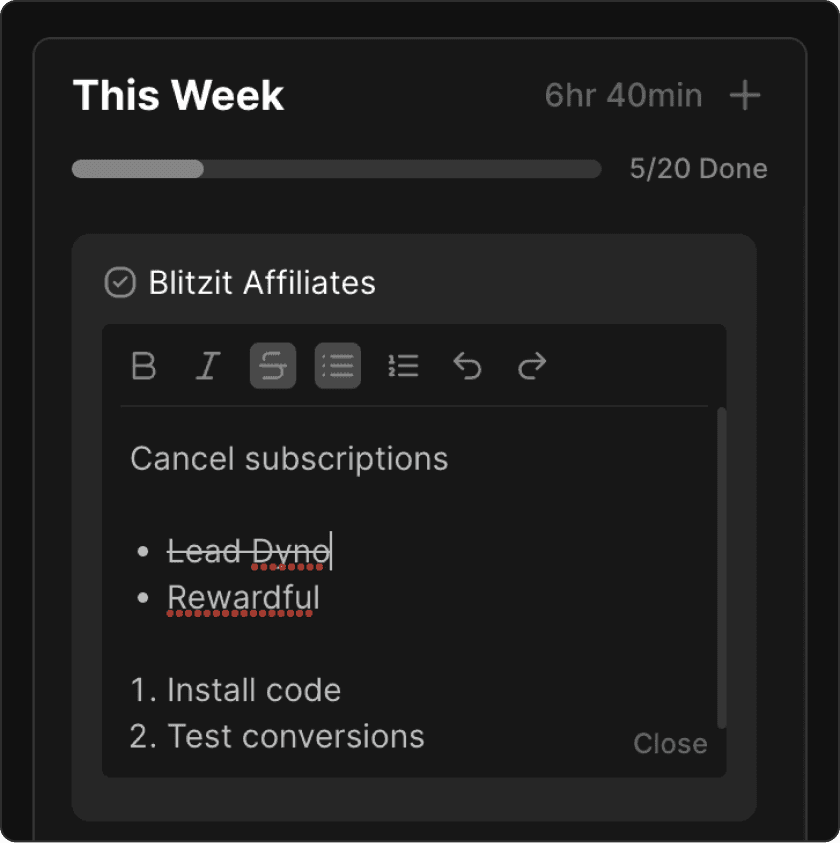
Inside Notes, you have several basic formatting options:
- Bold / Italics
- Strikethrough (useful for checklist-style items)
- Bulleted lists / Numbered lists
- Undo / Redo
Adding Notes With Voice
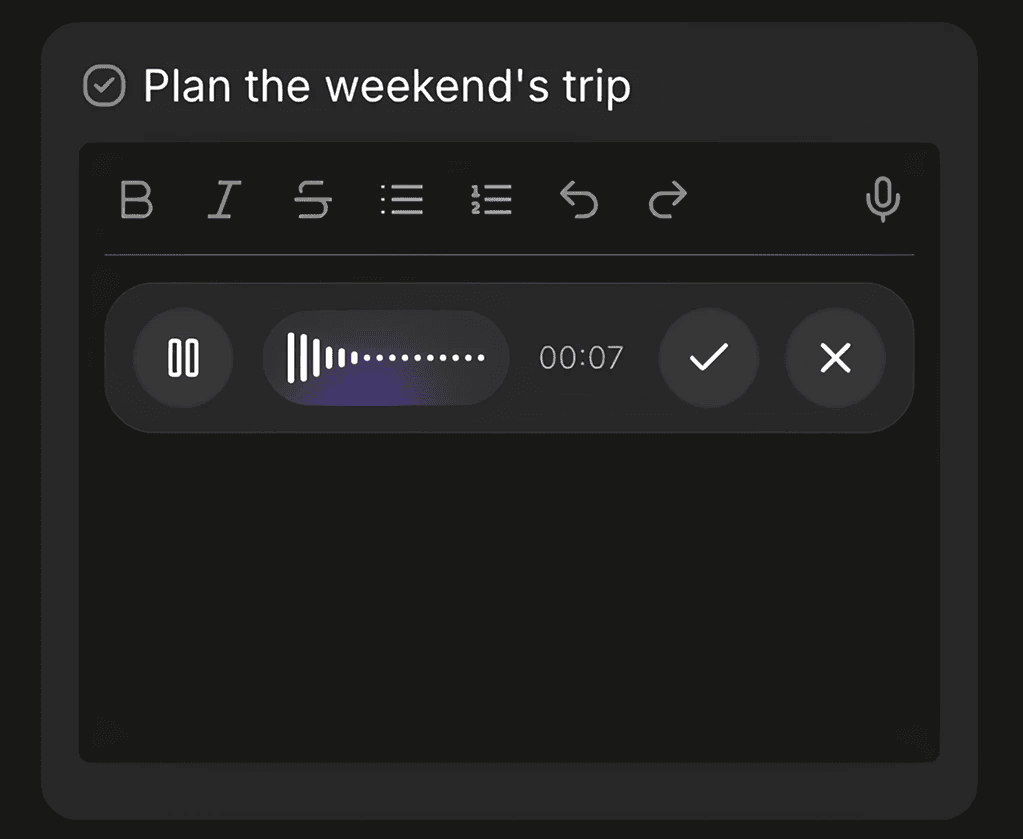
You can also record notes directly into a task:
- Click the Mic icon.
- Speak your note, for example:
“Ask Alice for hotel recommendations.”
Blitzit will transcribe your message and add it instantly.
URLs in Notes
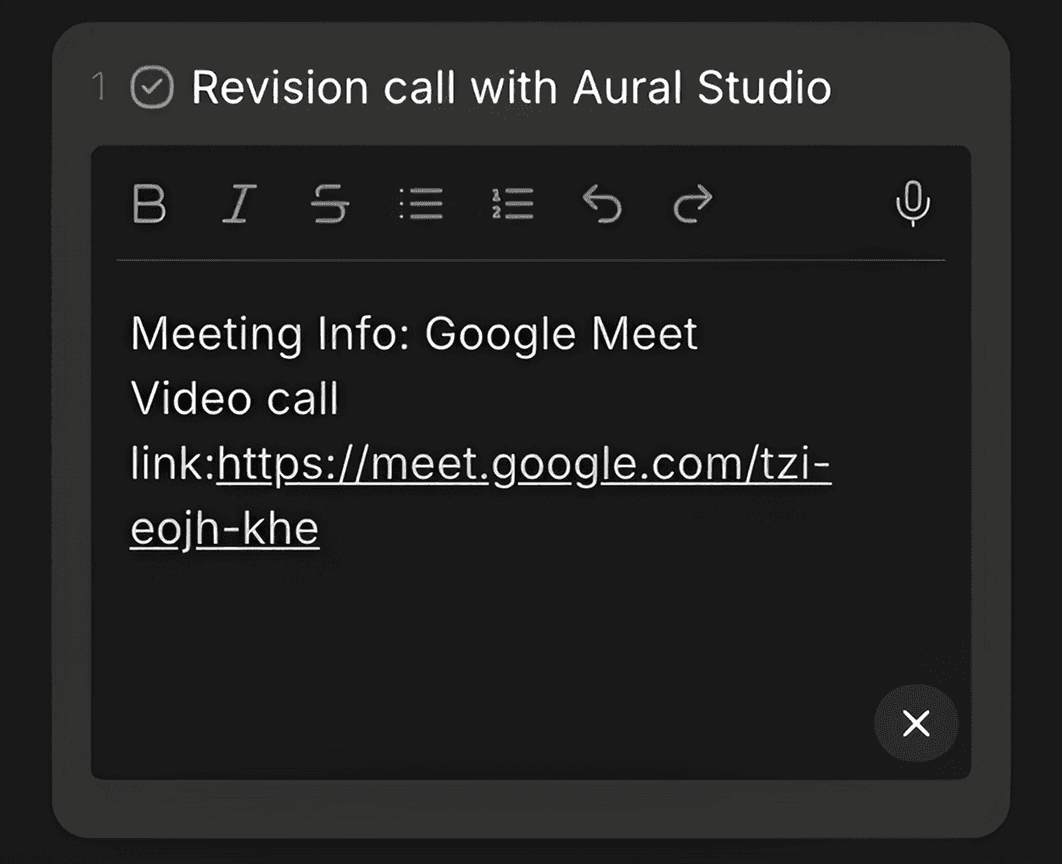
Any URL you add inside a note becomes clickable.
A helpful detail: when the task goes live in Blitz Mode, any URLs in its notes will automatically open in your default browser, so you can jump straight into reference links, documents, or pages you need while working.
Connect with us
Links
Most Popular
Important articles on how Blitzit works.