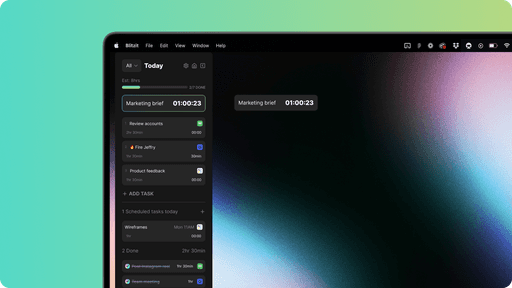
Deleting and Archiving Tasks and Lists
Keeping your workspace tidy in Blitzit is easy with the Delete and Archive options. Here’s how each one works.
Deleting a Task
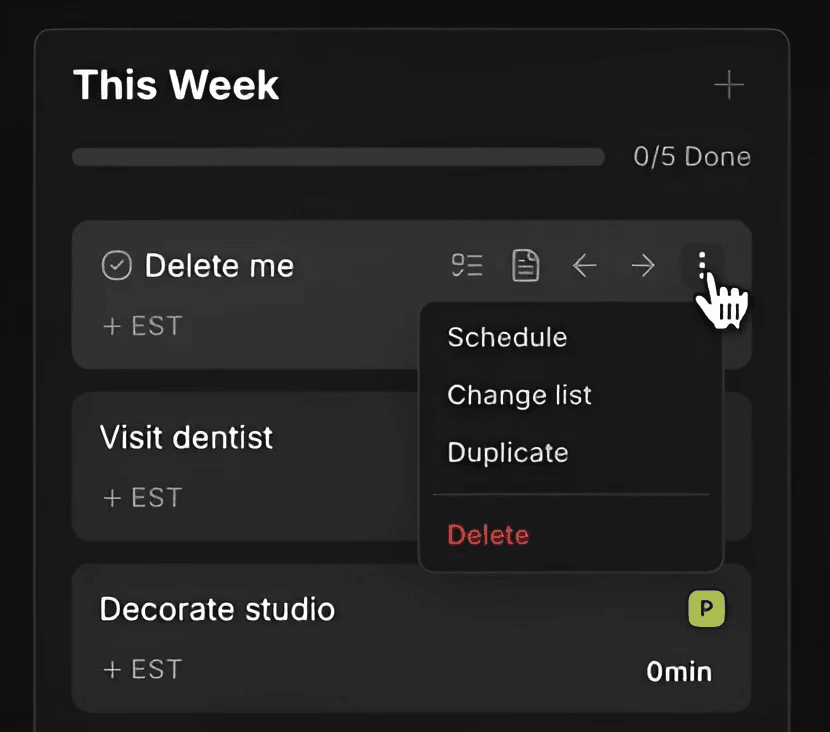
To delete a task:
- Hover over the task you want to remove.
- Open the expanded menu.
- Click Delete, then Confirm.
Note: This action is permanent. Deleted tasks cannot be recovered and will not appear in your Reports where you track your progress.
Archiving a List
Lists cannot be deleted immediately — you first need to archive them.
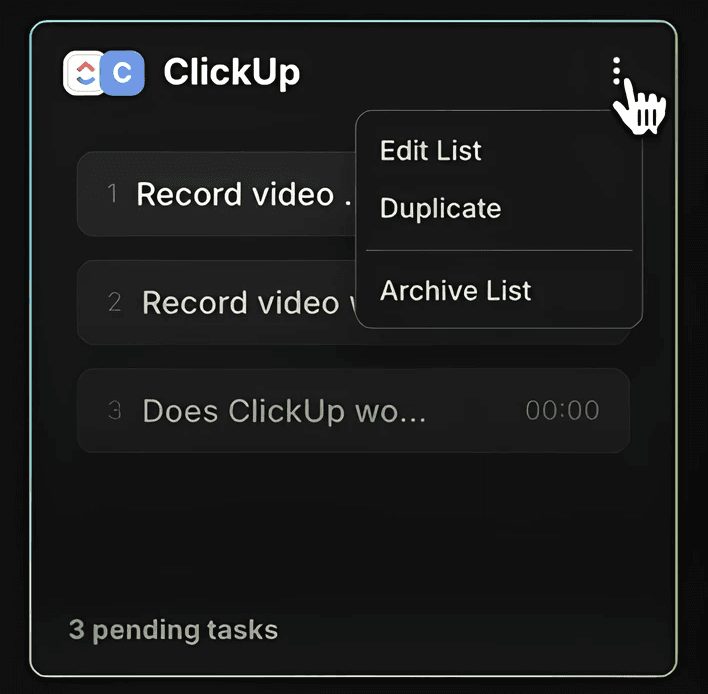
To archive a list:
- Click the three-dot menu next to the list name.
- Select Archive list.
Archiving removes the list from your active workspace but keeps it safe for later.
Deleting and Unarchiving Lists
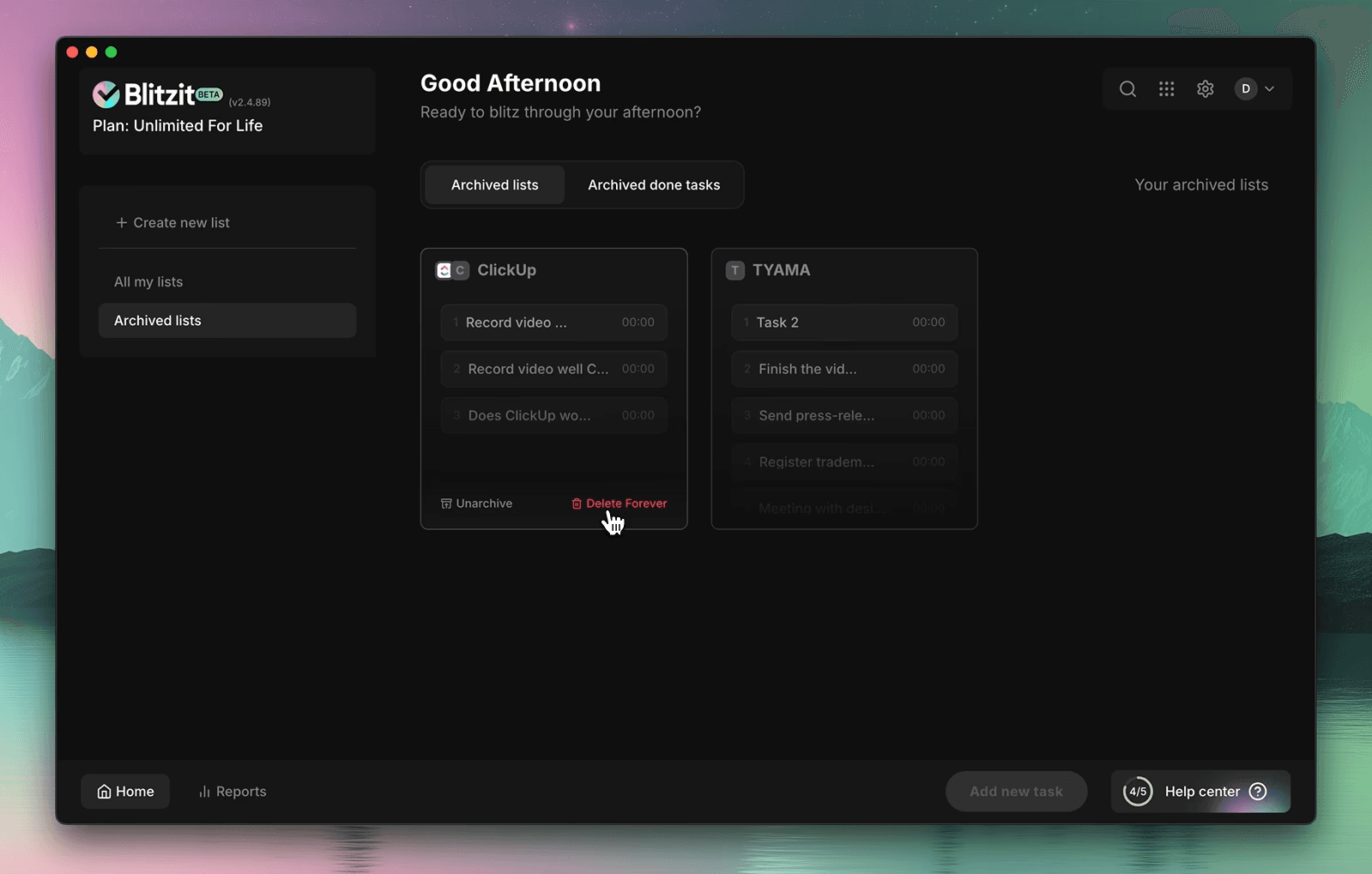
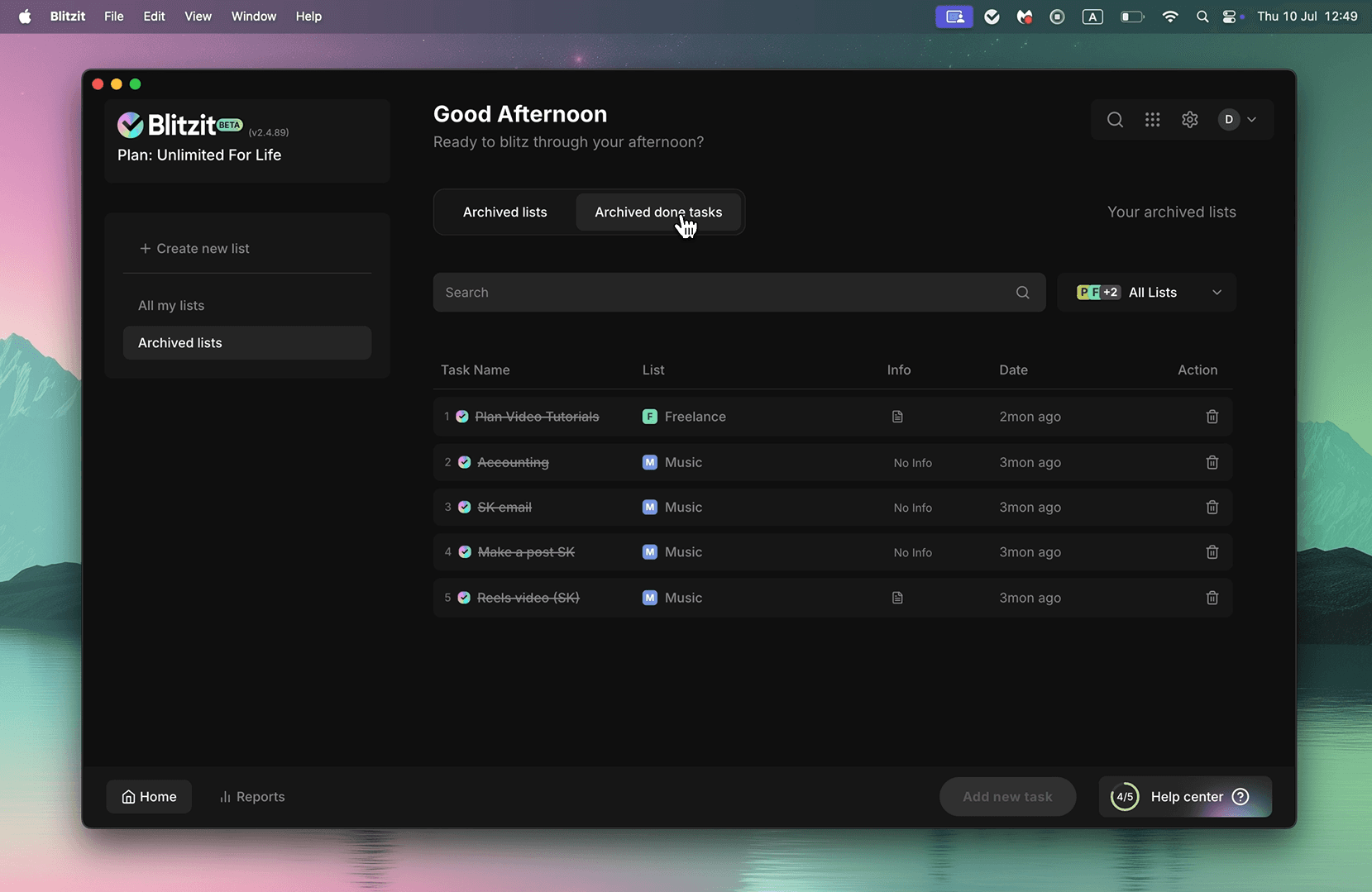
Archived lists can be found in the Archived lists section on the left side of your Home screen.
From here, you can:
- Unarchive the list to make it active again.
- Click Delete forever to permanently remove the list and all of its tasks.
Important: Deleting an archived list is permanent and cannot be undone. Make sure you no longer need it before deleting.
Archived Done Tasks
In the same area, you can also access the Archived done tasks section.
- This contains tasks you’ve marked as done that are older than 60 days.
- These tasks are archived automatically to keep your workspace organized.
Connect with us
Links
Most Popular
Important articles on how Blitzit works.