TickTick Blitzit integration
Note: This integration guide is for Blitzit 3.0, currently available to members of our Discord community. Some features shown in this guide may not be available in the current public version 2.6.69 of Blitzit.
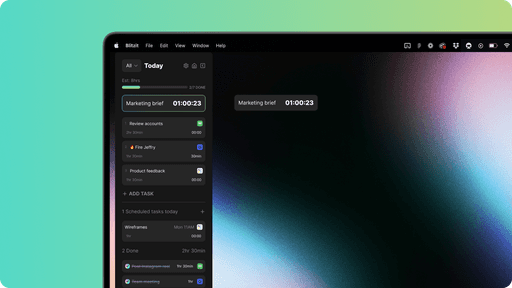
The Blitzit TickTick integration turns your TickTick list into actionable tasks in Blitzit, so you can plan in TickTick and execute without switching tools and losing focus.
Setting up Integration
- Open the Apps icon in Blitzit and select TickTick.
- Log in to TickTick to authorize the connection.
- Choose the list to sync, for example Work. It appears with its list ID and an expand arrow.
- Use Update Lists at any time to change which list is linked.
Integration Settings
- Auto Sync: Check TickTick for changes every few minutes.
- Delete Sync: Unlink tasks deleted in TickTick.
- Subtask Sync: Import TickTick checklist items as subtasks
Troubleshooting
- If checklist items are not coming through as subtasks, check that Subtask Sync is turned on.
- If a task is missing, confirm it still exists in the linked list and has not moved to a different one.
Connect with us
Links
Most Popular
Important articles on how Blitzit works.